
Planning Guides, Style Guide
Electronic Save the Dates: Digital Announcement Options
May
So You’re Doing Digital Save the Dates
Okay so electronic save the dates are honestly where most couples are landing these days and for good reason. I had this couple back in spring 2023 who were SO stressed about paper costs and they were like “can we just email people?” and I was like yes absolutely you can and honestly it’s gonna make your life easier in like seventeen different ways.
First thing you need to know is there are basically a million platforms now and they all do slightly different things. The main players are Paperless Post, Greenvelope, Evite (yeah it still exists), Joy, Witty Vows, and then you’ve got your DIY route with Canva or Adobe Express where you make something and just email it yourself.
The Main Platform Options
Paperless Post is kinda the gold standard if you want something that feels fancy. They have these gorgeous designs and you can customize colors and fonts and all that. The free version gives you basic designs but honestly their paid designs are really stunning – like they look like actual paper invitations just on a screen. They track opens and RSVPs which is HUGE because you’re not gonna be chasing people down as much. I use this one for clients who want elegant vibes without printing costs.
Greenvelope is similar but skews a bit more modern and clean. Their interface is really user-friendly and they plant a tree for every invitation sent which some couples really care about. The RSVP tracking is excellent and you can send reminders automatically to people who haven’t responded. They’re a bit pricier than Paperless Post but the customer service is really good.
Joy is free which is amazing and it does way more than just save the dates – you can build your whole wedding website through them, manage your guest list, collect addresses. The designs are cute but definitely more casual. If you’re having a backyard wedding or brewery reception or something laid-back this is perfect. For black tie? Maybe not.
Evite gets a bad rap because people associate it with like birthday parties in 2008 but they’ve actually updated a lot. Still feels the most casual of all the options though. I had a bride once who insisted on using Evite for her wedding and honestly… it was fine but her mother-in-law made comments about it for months which was super annoying.
What Actually Needs To Be On There
Your names obviously. The wedding date. The city and state (you don’t need the venue yet that’s what the actual invitation is for). A note that a formal invitation will follow. That’s literally it for the basics.
But you probably also want to include your wedding website URL if you have one. Most couples do now because that’s where you put hotel blocks and registry info and travel details. I always tell people to get that website set up BEFORE you send save the dates because guests will immediately want more information and if there’s nowhere to send them you’ll get a thousand questions.
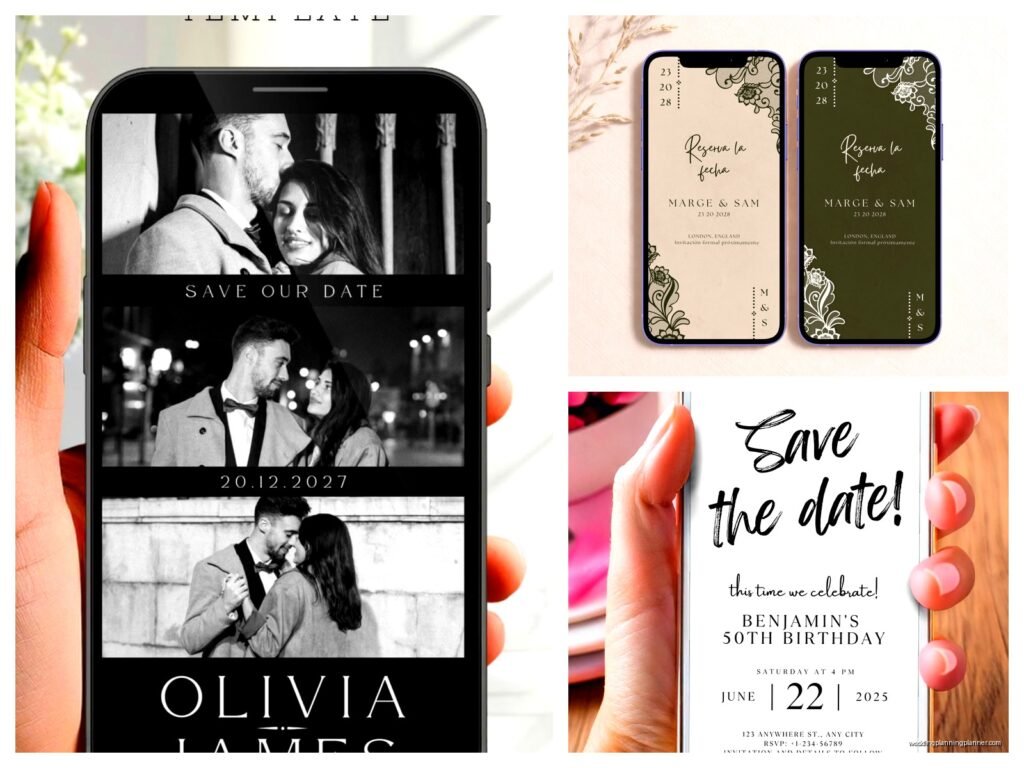
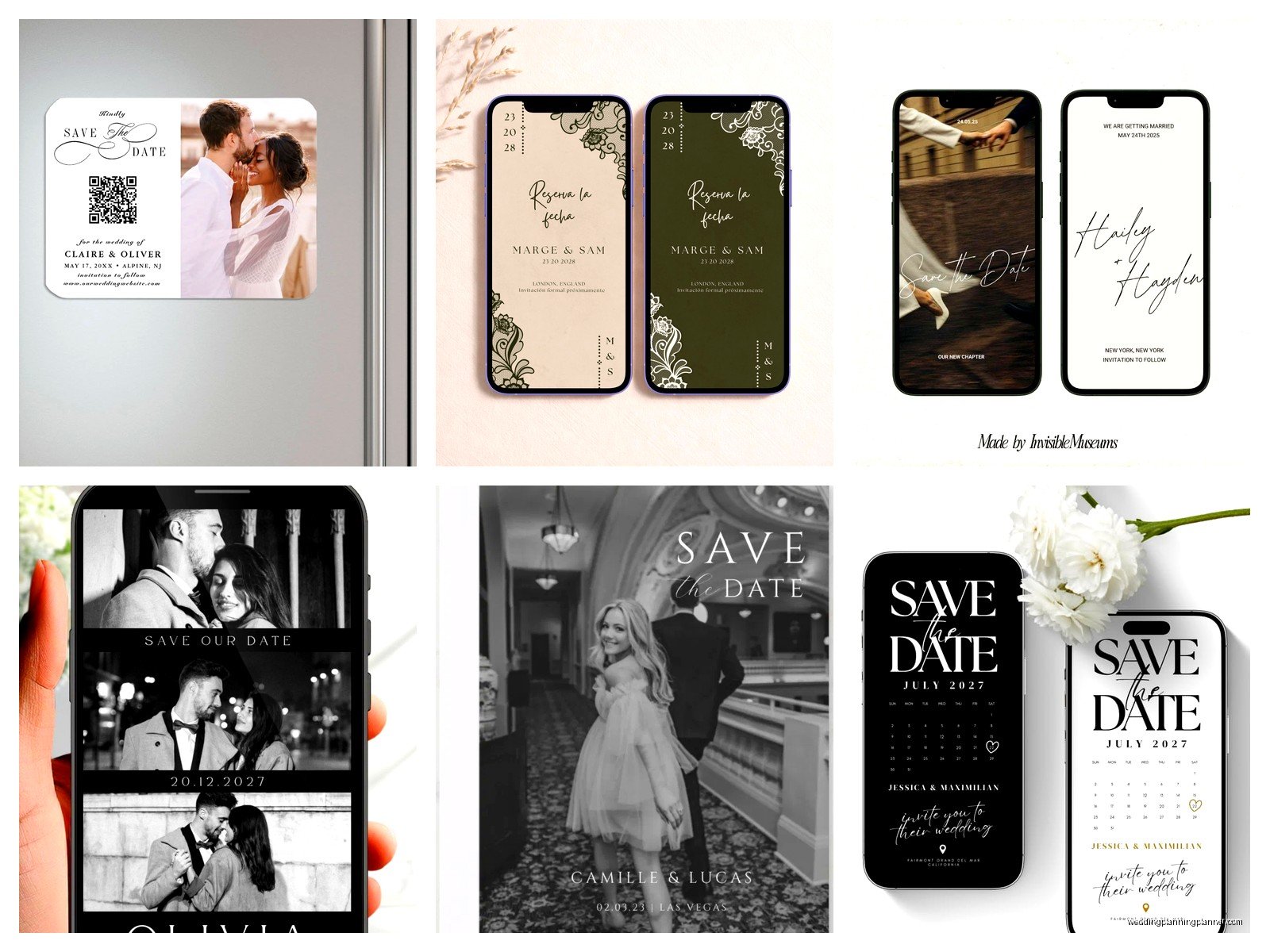
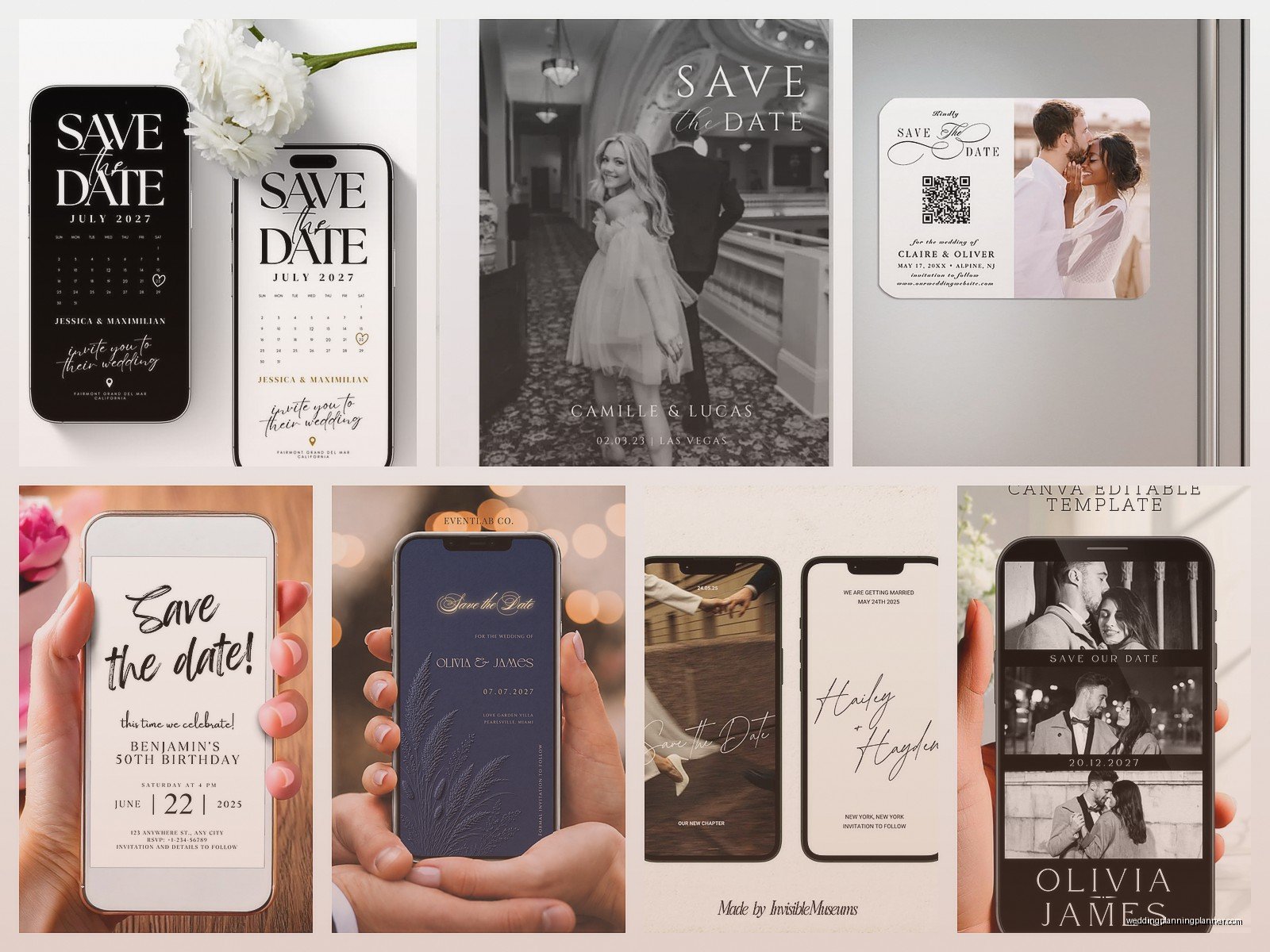
Some couples include engagement photos which is cute. Some do illustrations or graphics of the venue or city. Some keep it super minimal with just text. All of these work fine – it’s really about your personal style and what feels right for your wedding vibe.
Timing Is Weird With Digital
So with paper save the dates the rule was always 6-8 months before the wedding, right? With digital you can honestly send them a bit later because there’s no mail time. I usually say 4-6 months is fine for local weddings, 6-8 months if people need to travel or if you’re getting married during peak season or a holiday weekend.
The thing that annoyed me SO MUCH last year was this couple who sent their digital save the dates literally 14 months in advance and then half their guests forgot about the wedding and booked other stuff that weekend anyway. Just because you CAN send them super early doesn’t mean you should. People’s attention spans are… not great.
Also you can send digital ones on like a Tuesday at 2pm and it’s totally fine whereas with paper you had to think about mail delivery schedules and… okay I’m getting off track but basically the timing is more flexible.
The DIY Route
If you wanna make your own and just email them that’s completely valid. Canva has a million wedding templates and most are free. You can customize everything, download it as a PDF or image, and then just email it to everyone. Or text it if your crowd is more casual.
The downside is you don’t get automatic RSVP tracking. You don’t get delivery confirmations. You’re basically just… sending an image file into the void and hoping people see it and remember it. I’ve seen this work great for small weddings under 50 people. For bigger weddings it gets messy fast with tracking who got what.
If you go this route make sure the file size isn’t huge – like keep it under 2MB or some email systems will reject it or it’ll take forever to load on someone’s phone. And send it as an attachment AND in the body of the email if you can because some people’s email settings are weird.
Video Save The Dates Are A Thing Now
Okay so this is newer but some couples are doing short video save the dates. Like 15-30 seconds, usually something cute or funny, sometimes just them announcing the date and location. You can make these on your phone honestly or use something like Animoto or Kapwing.
I had a couple do one in summer 2021 where they recreated their first date and it was actually really sweet and like 100 people commented on their wedding website about it. But I’ve also seen some that were trying way too hard to be viral-worthy and it came off kinda cringey so… know your audience I guess?
The practical issue with video is file size again and also some older relatives might not know how to play it or their email might not support it. So if you do video maybe also include a static image with the key info just in case.
What About Older Relatives Who Don’t Do Email
Yeah so this is real. My own aunt still doesn’t really check her email regularly which is wild to me but whatever. For guests who you know aren’t digital-savvy you have a few options.
You can send them paper save the dates even if everyone else gets digital. It’s totally fine to mix and match. You can call them directly to tell them the date. You can text them if they text. Or honestly sometimes a family member who IS tech-savvy can just tell them in person – like if you know your grandma talks to your mom every day just have your mom tell her.
The main thing is don’t assume everyone over 60 can’t handle digital invitations because that’s not true anymore but also don’t assume everyone can. You kinda gotta know your specific guest list.
Design Tips That Actually Matter
Make sure the text is readable on phones because that’s where most people will see it first. So many couples choose these elaborate script fonts that look gorgeous on a computer screen and then on an iPhone it’s just… squinting forever trying to read it.
Include your names in a way that’s clear – sounds obvious but I’ve seen save the dates where the couple used nicknames or first names only and guests were confused about whose wedding it was especially if they knew multiple people getting married that year.
If your wedding is in a small town or somewhere people might not know, include the state or region. “Save the date for our wedding in Asheville” is better than just “Asheville” because there are multiple Ashevilles in the US apparently.
Colors should match your wedding colors if you already know them but honestly this matters less than you think. No one’s gonna show up to your wedding and be like “wait the save the date was navy and the napkins are royal blue you LIAR” – or actually maybe someone will because wedding guests are weird but normal people won’t care.
The Technical Stuff You Gotta Handle
Collect email addresses early and make sure they’re correct. I cannot tell you how many times couples have sent save the dates to like sarah@gmial.com instead of gmail and then wondered why Sarah never responded to anything. Create a spreadsheet. Double-check every address. Maybe even send yourself and your partner test versions first.
Some platforms let you customize the email subject line – use this! “Save the Date – Emily & James Wedding” is way better than just “You’re Invited” because people get so much email now and anything vague gets ignored or deleted.
If you’re using a platform with RSVP tracking set up the questions you want answered. Usually save the dates don’t need full RSVPs but some couples ask “Will you be able to join us?” just to get a rough headcount early. That’s optional though – most people just use save the dates as info only and do RSVPs with the actual invitation later.
Accessibility Things I Learned The Hard Way
Include alt text if the platform allows it so screen readers can tell visually impaired guests what the image says. Most platforms don’t make this obvious but it’s usually in settings somewhere.
If you’re doing something animated or with lots of flashing elements maybe reconsider because that can trigger migraines or seizures in some people. I know it sounds dramatic but it’s real – I had a bride whose aunt had to look away from an animated save the date and felt really left out.
Make sure there’s enough contrast between text and background. Light gray text on white background might look minimalist and chic but it’s really hard for lots of people to read especially if they have any vision issues.
Following Up
People will lose the email. They’ll archive it. They’ll forget. This is normal and not personal. Most platforms let you send a reminder closer to the date or you can just forward the original email again like “friendly reminder our wedding is October 15th in case you missed our save the date!”
You can also post about it on social media if that’s your thing but don’t rely on that as your only method because algorithms are chaos and not everyone will see it. I posted about my cat’s birthday once and it got 200 likes but my actual wedding planning tips sometimes get like 12 views so… social media is weird.
Some couples send both digital save the dates AND later send paper invitations which is totally fine. Some do digital for everything. Some do paper save the dates and digital invitations. There’s no rule about what you have to do – it’s really about budget and personal preference and your guest list’s needs.
Cost Breakdown Real Quick
Paperless Post: Free for basic designs, $0.99-$4 per invitation for premium designs. Greenvelope: $1-$3 per invitation usually. Joy: Free. Evite: Free for basic, $13/month for premium. DIY with Canva: Free or $13/month for Pro if you want premium templates and features.
Compare that to paper save the dates which run $1-$5 per card PLUS postage which is $0.66 for a regular stamp now (it keeps going up it’s so annoying) and you can see why couples are choosing digital. For 150 guests you’re looking at potentially $150-$900 for paper versus $0-$450 for digital.
Common Mistakes
Sending them too early like I mentioned. Using reply-all email chains instead of a proper platform which gets messy SO fast. Forgetting to include the year – yes people do this. Not having your wedding website ready when you send them. Using an email address you don’t check regularly for responses. Making the design so elaborate it takes forever to load. Including too much information – save the dates should be simple, the detailed stuff comes later with the invitation.
Oh and one couple I worked with sent their save the dates as a calendar file attachment which seemed smart but half their guests didn’t know how to add it to their calendar and got confused so maybe just… keep it simple with a visual and text unless you KNOW your crowd is tech-savvy enough for that.
The biggest thing is just to pick a method that works for your budget and your guest list and your stress level. If designing something custom sounds fun do it. If you’d rather pay $100 and have someone else’s template that’s also completely fine. Your save the date doesn’t define your wedding – it’s just a heads up so people can plan and honestly as long as it has the date and location clearly stated you’ve done your job
