
Planning Guides, Style Guide
Save the Date E-Card: Digital Electronic Announcement
May
Getting Your Save the Date E-Card Actually Sent
Okay so digital save the dates are basically the norm now and honestly after dealing with a client in spring 2023 who insisted on mailing physical save the dates only to have half of them returned because people move and don’t update their addresses, I’m gonna tell you e-cards are just smarter. Plus they’re faster, you can track who opened them, and nobody’s spending three evenings hand-addressing envelopes while their cat knocks the address list off the table repeatedly.
When to Send These Things
You want to get your save the date e-cards out anywhere from 6-8 months before your wedding. Destination wedding? Make it 9-12 months because people need to request time off, book flights, and honestly just mentally prepare for the expense. I’ve seen couples send them out a full year in advance and that’s fine too, but any earlier and people kinda forget? Like they’ll see it, think “oh that’s nice,” and then completely space on it.
The annoying thing that drives me nuts is when couples send save the dates before they’ve actually locked down their venue or date. I had this happen with a couple in summer 2021 and they had to send a correction email two weeks later because the venue they thought was confirmed wasn’t actually… it was a whole mess and super embarrassing for them.
What Platform Should You Use
There are like a million options and honestly they all work fine but here’s what I tell people:
- Paperless Post – This one’s pretty and has those digital envelope animations that people actually think are cool. They have free options but the really nice designs cost coins (usually like $20-40 for 100 sends).
- Greenvelope – Similar vibe, eco-friendly branding which some people care about.
- Canva – You can design your own and just email it or text it, totally free. More work on your end but complete control.
- Evite – I mean it works but it feels very 2010 birthday party? Your call.
- Minted or Zola – These wedding sites have e-card options built in and they connect to your registry and wedding website which is convenient.
I usually push clients toward Paperless Post or doing a custom design through Canva because those feel the most wedding-appropriate without looking cheap.
What Information Goes On It
This is where people overthink it. Your save the date e-card needs like five things and that’s it:
- Your names (obviously)
- The wedding date
- The city/location (you don’t need the full venue address yet)
- A note that a formal invitation will follow
- Your wedding website URL if you have one
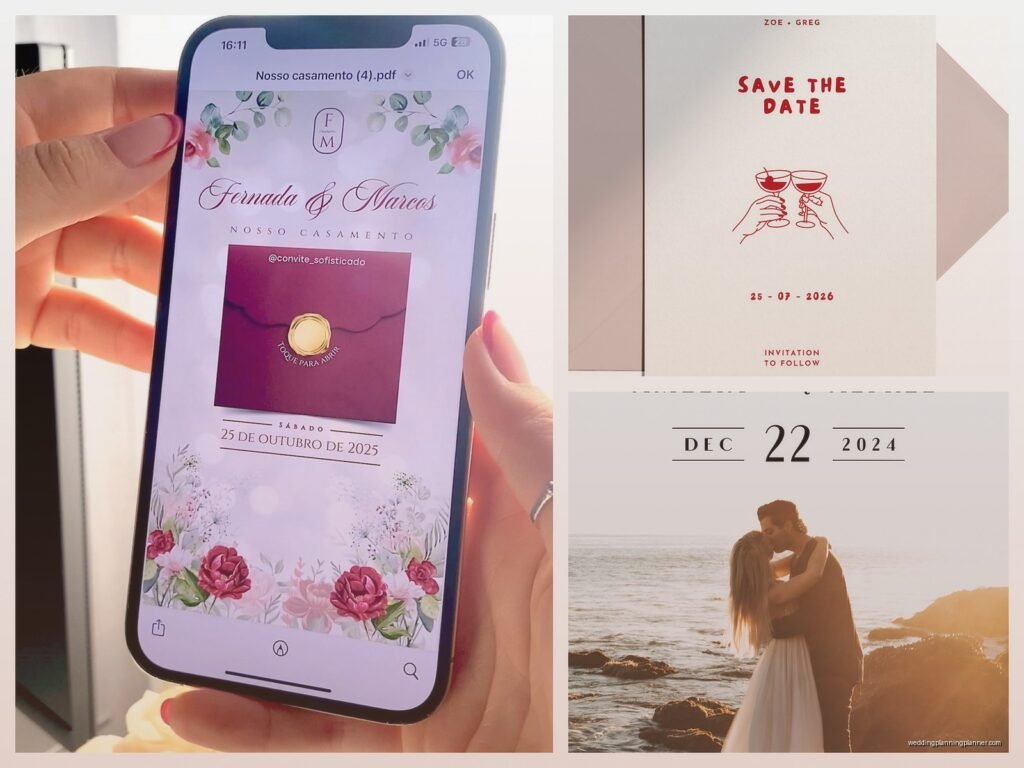
That’s literally it. You don’t need your whole love story, you don’t need seventeen photos from your engagement shoot, you don’t need a poem. Keep it simple. One nice photo of you two, the essential info, done.
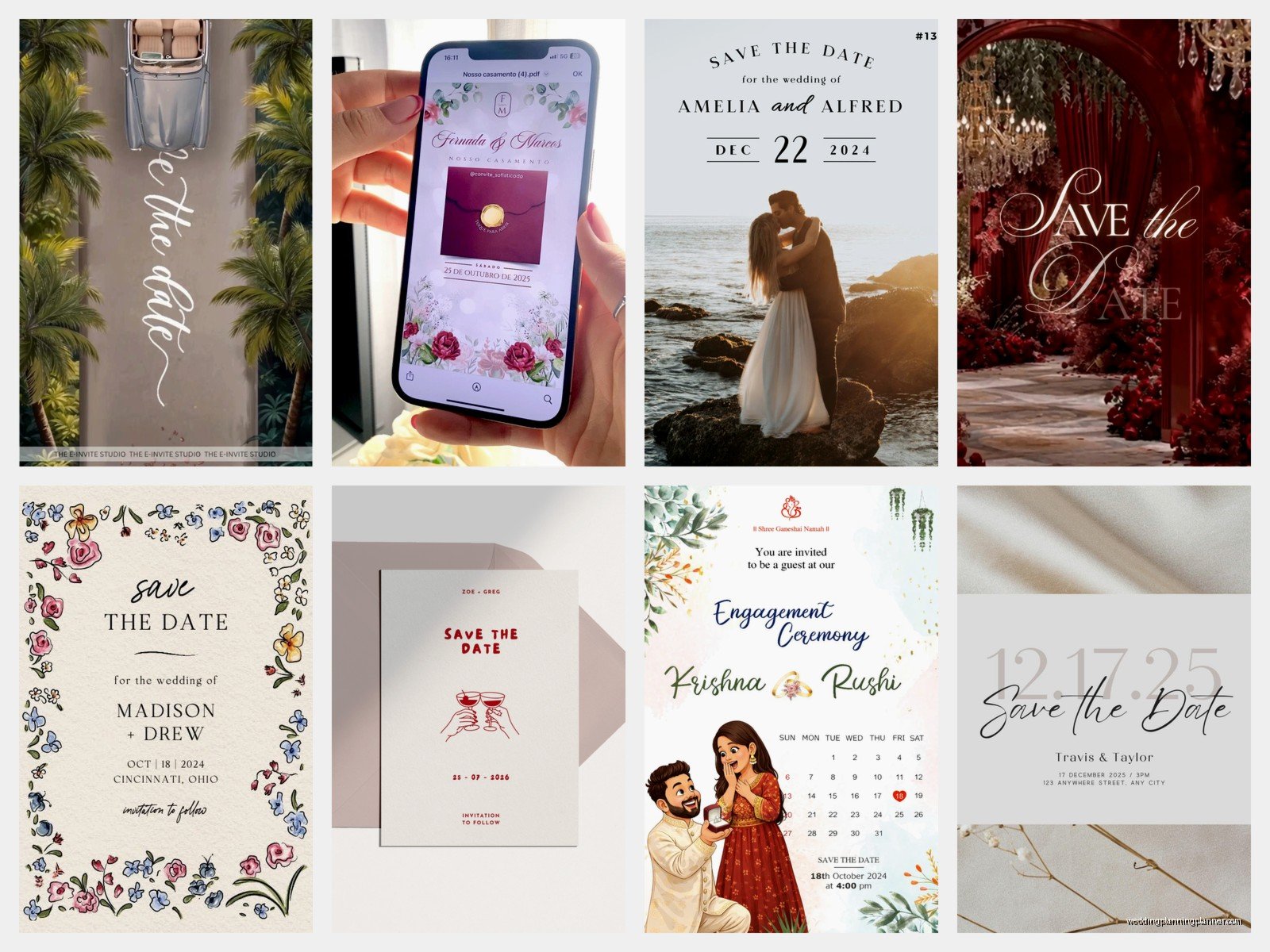
Oh and if you’re doing a destination wedding or if most guests will need to travel, add something like “accommodations info on our website” so people know to check there.
Design Stuff That Actually Matters
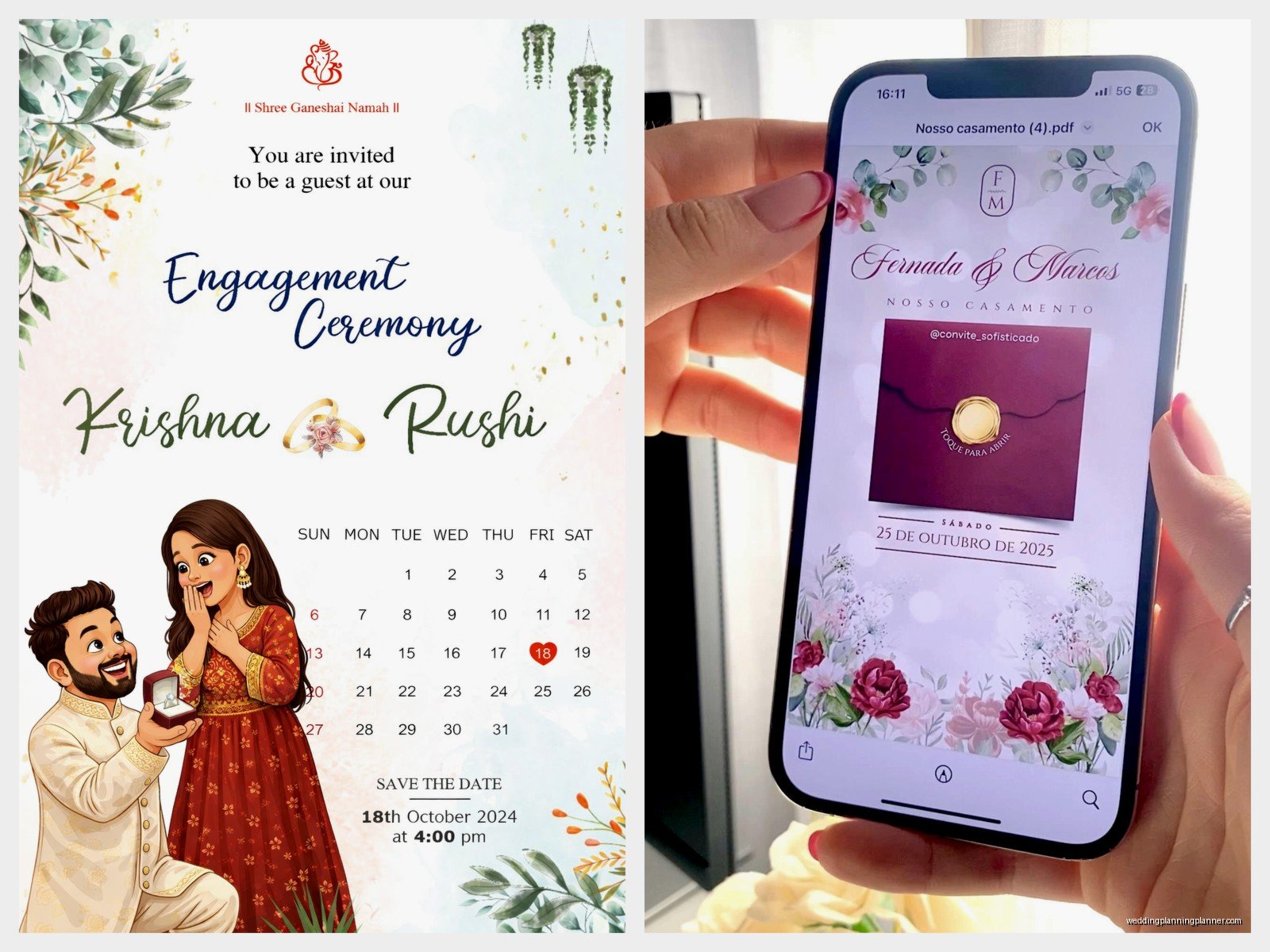
Look I’m not gonna pretend I’m a graphic designer but I’ve seen enough of these to know what works. You want your e-card to load fast and look good on phones because like 80% of people will open it on their phone first. That means:
Don’t use a photo that’s so dark people can’t see your faces. I see this ALL the time with sunset photos where the couple is basically silhouettes and it’s like okay that’s artistic but also I can’t tell who’s getting married.
Make sure your text is readable. Fancy script fonts are pretty but if your 65-year-old aunt has to zoom in and squint to read your wedding date, you’ve failed. Use script for names maybe, but keep the date and location in a clean readable font.
Stick to your wedding colors if you know them, but honestly for save the dates you can be more flexible. It’s not like your invitations where everything needs to match perfectly.
The Email Part Everyone Messes Up
Okay so you’ve designed this beautiful e-card and now you gotta actually send it. Here’s where I see people screw up constantly.
First, collect email addresses properly. Don’t just assume you have everyone’s current email. Reach out to your parents, your partner’s parents, and confirm. Create a spreadsheet. I use Google Sheets because you can share it with your partner and both update it. You need: first name, last name, email address, and maybe a note column for stuff like “invited to rehearsal dinner” or whatever.
When you’re sending through platforms like Paperless Post, you can usually upload a CSV file with all your contacts. Double-check for typos because there’s nothing worse than sending 150 save the dates and then realizing you typed your college roommate’s email wrong.
The subject line matters more than you’d think. “Save the Date!” is fine but “Save the Date – Sarah & Mike’s Wedding” is better because it won’t get lost in someone’s inbox. People get so many emails and…
Timing the Send
Don’t send your e-cards at midnight on a Tuesday. Seriously. Send them on a weekend morning, like Saturday around 10am in your timezone. People are relaxed, checking their personal email, and more likely to actually open it and look at it properly instead of just marking it to read later and then forgetting.
If you have guests in different time zones, pick a time that works reasonably for most people. I usually say Saturday 10am Eastern Time is a safe bet because it’s 7am Pacific which is early but not insane, and it’s afternoon in Europe if you have international guests.
What About People Without Email
Yeah there are still people like this. Usually older relatives. You have a few options:
- Text them a screenshot or PDF of your save the date
- Print one copy and mail it to them (annoying but whatever)
- Call them and tell them the date directly, then follow up with a physical invitation later
- Ask a family member who’s more tech-savvy to show it to them
I have one client whose grandmother doesn’t do email OR smartphones and they literally had to print out the e-card design and mail it. It felt silly but grandma was happy so that’s what matters I guess.
Following Up and Tracking
Most e-card platforms let you see who opened your save the date and who didn’t. This is actually super useful. If someone hasn’t opened it after like a week, it’s worth following up. Maybe their email changed, maybe it went to spam, maybe they just missed it.
Don’t be weird about it though. Just send a casual text like “hey did you get our save the date email?” Not like “I SEE YOU DIDN’T OPEN IT WHY NOT” because that’s intense.
Some platforms also let guests add the event directly to their calendar from the e-card which is honestly genius and you should use that feature if it’s available.
Linking to Your Wedding Website
If you have a wedding website set up (and you should), your save the date e-card is the perfect place to drive people there. Make the link obvious and clickable. On your website you can include:
- Hotel blocks and accommodation info
- Travel details
- Your registry (though some people think this is tacky on save the dates, I think it’s practical)
- Your proposal story if you’re into that
- Photos
- FAQ about the wedding
This way your save the date can be simple and clean, and people who want more details can click through. People who don’t care about your whole story can just save the date and move on with their lives.
Common Mistakes I Keep Seeing
Sending save the dates to people you’re not actually inviting. This sounds obvious but I’ve seen it happen. You send it to your whole contact list thinking you’ll narrow it down later and then you’ve created this awkward situation where people think they’re invited and they’re not. Only send save the dates to people who are definitely getting an invitation.
Not proofreading. I once saw a save the date that said “Save the Date for our Weding” and like… come on. Have three people look at it before you send it to 200 people.
Making it too complicated. You don’t need animation, you don’t need music, you don’t need a video montage. A clean, simple, pretty e-card with the necessary info is perfect. I had a client who wanted to embed a whole video of their proposal and the file size was so big that half the guests couldn’t even load it on their phones.
Forgetting to include the year. If you’re sending save the dates in 2024 for a 2025 wedding, you gotta include the year. “September 14th” could be any September 14th.
The Whole Plus-One Thing
Your save the date should indicate if someone gets a plus-one. If you’re sending it to “Sarah Johnson” that means just Sarah. If you’re sending it to “Sarah Johnson and Guest” that means she gets a plus-one. If you’re sending it to “Sarah Johnson and Mike Chen” that means you’re inviting both of them specifically.
This matters because people will make assumptions and you don’t want someone booking a flight for their boyfriend if you’re not actually inviting him. Be clear from the start.
What If You Need to Change Something
Life happens. Venues fall through, dates change, pandemics occur (we all remember 2020). If you need to send an updated save the date, just do it. Send an email with the subject line “Updated Save the Date – New Date for Sarah & Mike’s Wedding” and explain briefly what changed. People understand. Don’t stress about it looking unprofessional or whatever, just communicate the new information clearly.
Should You Do a Video E-Card
You can, but honestly? Most people won’t watch the whole thing. If you really want to do a video, keep it under 30 seconds. Show your faces, say the date and location, done. Nobody wants to watch a 3-minute video of your engagement story when they’re just trying to figure out if they need to request September 14th off work.
I’m not trying to be harsh but I’ve watched analytics on these things and the drop-off rate on video save the dates is pretty bad after like 10 seconds.
Coordinating with Your Partner
Make sure you and your partner are on the same page about the guest list before sending anything. I’ve seen couples where one person sends save the dates to their friends and then the other person is like “wait we’re inviting them?” Communication is key. Sit down together, go through the list, agree on everyone who’s getting a save the date.
Also decide together who’s handling the actual sending. Usually one person is more organized about this stuff (probably you if you’re reading this guide) so just take ownership of it rather than assuming your partner will do it and then nothing gets done.
The Environmental Argument
Some people will give you grief about doing everything digitally and not having physical save the dates. Honestly? Ignore them. You’re saving paper, you’re saving money, you’re saving time. If someone really wants a physical keepsake, they can print out your e-card themselves. Most people won’t care and the ones who do are probably just resistant to change.
Plus physical mail is so unreliable now anyway. I’ve had clients whose save the dates took three weeks to arrive or got lost entirely. An e-card arrives instantly and you know exactly who received it.
Budget Reality Check
E-cards can be completely free if you design your own in Canva and send via email. Or you can spend $50-100 if you use a premium platform with fancy features. Compare that to physical save the dates which can easily cost $200-500 once you factor in printing, envelopes, postage… yeah. E-cards just make financial sense for most couples.
If you have budget to spare and really want physical save the dates for like your immediate family or wedding party, you can do a hybrid approach. Send e-cards to 90% of guests and mail physical ones to the 10% who you know would really appreciate it. That’s a nice compromise.
