
Planning Guides, Style Guide
Bridal Shower Online Invitations: Digital Party E-Invites
May
Getting Started With Digital Bridal Shower Invites
Okay so digital invitations for bridal showers are honestly one of those things that sound super simple until you’re actually sitting there at 11pm trying to figure out why the RSVP link isn’t working and your cat is walking across your keyboard. But they’re gonna save you so much money and time compared to traditional paper invites, and honestly most guests prefer them now anyway.
First thing you need to decide is which platform you’re using. I’ve tried basically all of them at this point – Paperless Post, Evite, Greenvelope, Canva, even just creating something in Photoshop and emailing it which… nah, don’t do that last one. Spring 2023 I had this bride whose sister insisted on making custom invites in some random design program and then just attaching PDFs to emails and it was a nightmare because half the guests thought it was spam and the other half couldn’t figure out how to RSVP.
Platform Options That Actually Work
Paperless Post is my go-to for more formal showers. They have really elegant designs that don’t scream “free digital invite” and the RSVP tracking is solid. You can customize pretty much everything – fonts, colors, text. The free options are kinda limited though, and if you want the really pretty designs you’re looking at like $1-3 per invite which adds up. But still way cheaper than printed invites with postage.
Evite is the opposite end – super casual, totally free, but it looks… well, it looks like Evite. If you’re doing a backyard BBQ shower or something really laid-back, perfect. For a fancy brunch shower at a country club, maybe not.
Greenvelope is the middle ground. Professional looking, good customization, and their customer service actually responds which is rare. I used them for a virtual shower in summer 2021 when everything was still weird with COVID and needed to change the date three times – they made it so easy to send updates to everyone.
Canva is interesting because you can design something completely custom and then either download it to send through another platform or use their built-in invite feature. The creative control is amazing but you gotta be comfortable with design tools or it’ll take forever.
Timing For Sending Digital Invites
So here’s where digital invites get tricky because everyone assumes you can send them later since they’re instant. Wrong. You still need to send shower invites 4-6 weeks before the event, maybe 6-8 weeks if people are traveling or it’s during a busy season like holidays. Just because they arrive instantly doesn’t mean people will respond instantly – actually I think people are sometimes worse about responding to digital invites because they think “oh I’ll do that later” and then forget.
What really annoys me is when people send digital invites like 2 weeks before and then stress about low RSVPs. Like… you didn’t give anyone time to plan? Of course they already have plans? I had a maid of honor do this once and then blamed the digital format when really it was just bad planning.
Information You Need To Include
Okay so obviously you need the basics – who, what, when, where. But with digital invites you should also include:
- Direct link to the venue location (not just the address – an actual Google Maps link)
- Registry information if gifts are expected – some people think this is tacky but honestly guests appreciate knowing
- Dress code because “garden party” means different things to different people
- Your contact info in case something goes wrong with the digital RSVP
- Whether plus ones are invited (be specific about this or you’ll get confused responses)
- Any special instructions like parking details or if it’s a surprise
For virtual or hybrid showers you also need the video call link but don’t put that on the actual invitation – send it separately a few days before or people will lose it. Trust me on this one.
Design Tips That Don’t Require A Degree
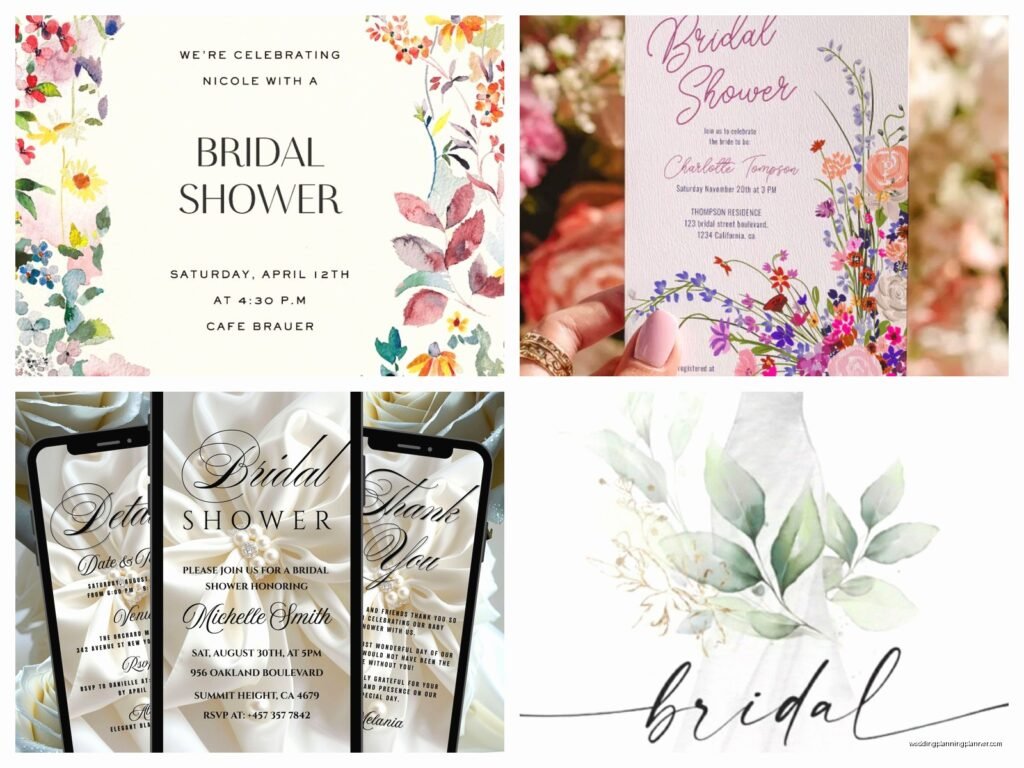
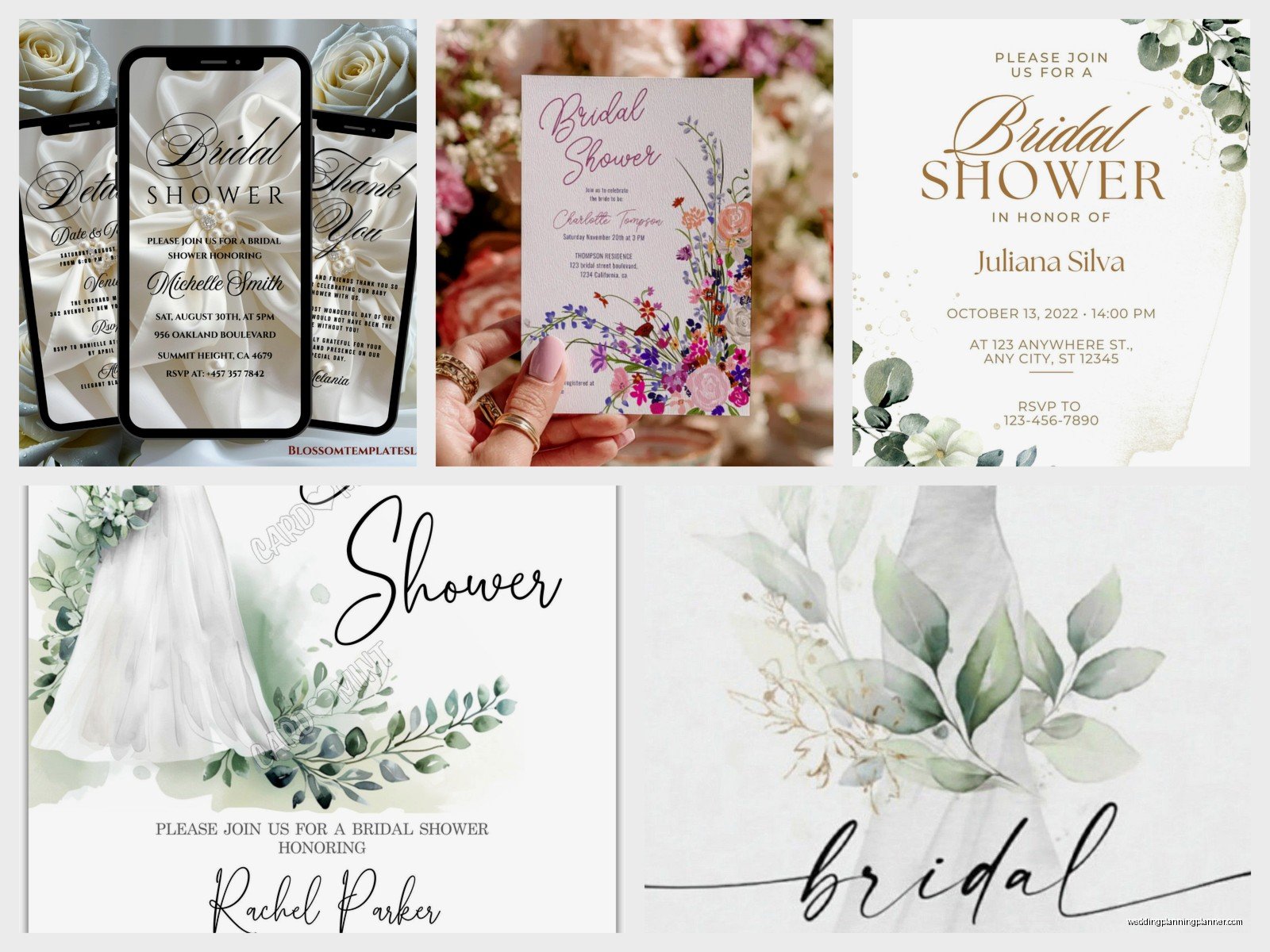
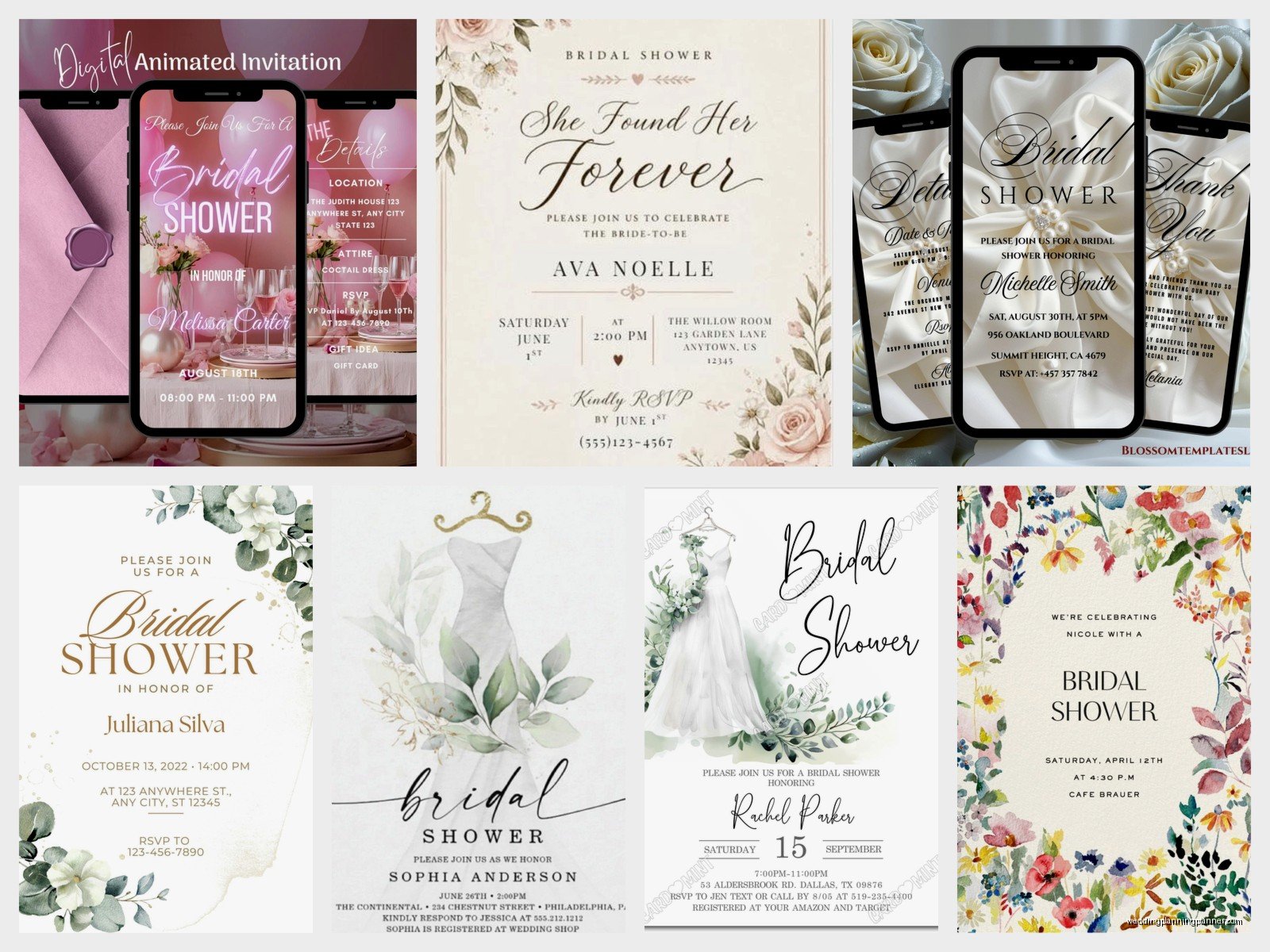
The design part is where people either go totally overboard or do the bare minimum. You want somewhere in between. Match the shower theme obviously – if it’s a floral garden theme, use floral graphics. If it’s more modern and minimalist, keep it clean with simple fonts.
Color-wise, try to coordinate with the wedding colors or at least don’t clash with them. I’ve seen people do invites in like… orange and purple when the wedding colors were blush and gold and it just looked weird and disconnected.
Font Choices Matter More Than You Think
Don’t use more than two fonts – one for headers and one for body text. And please, please don’t use those super scripty fonts that are impossible to read. I get it, they’re pretty, but if guests can’t read the address or time because the font is too fancy, what’s the point? Your aunt Barbara is gonna call you asking for details because she couldn’t decipher the calligraphy font.
Also make sure there’s enough contrast between text and background. Light pink text on white background might look soft and pretty but it’s also invisible on some screens.
Photos And Graphics
Including a photo of the bride is nice but not required. If you do, make sure it’s high resolution enough that it doesn’t look pixelated. Some platforms compress images weird so test it first by sending yourself a preview.
Graphics and borders are great for filling space and adding personality but don’t go so crazy that the invite takes forever to load. I watched The Great British Baking Show the other night and thought about how this is kinda like that – you want it to look impressive but if it’s not functional, what’s the point?
RSVP Management And Tracking
This is honestly the best part of digital invites – automatic RSVP tracking. Most platforms let you see who’s opened the invite, who’s responded, who hasn’t responded, and you can send reminders with like two clicks.
Set your RSVP deadline for about a week before the shower. You’ll still have people responding late but at least you’ll have a mostly accurate count for food and seating. Some platforms let you ask additional questions in the RSVP like dietary restrictions or if they need the address – use this feature, it’s so helpful.
Following Up With Non-Responders
Around 2 weeks before the RSVP deadline, send a gentle reminder to people who haven’t responded. Most platforms have a feature for this. Then like 3 days after the deadline, you’re gonna need to text or call the stragglers because there’s always stragglers.
One thing that’s sorta awkward with digital invites is you can see when someone opened it multiple times but never responded, which means they’re either ignoring you or genuinely forgot. Usually it’s the forgot thing but it feels personal sometimes.
Cost Breakdown Of Popular Platforms
Let me break down what you’re actually gonna spend:
Paperless Post: Free basic designs, premium designs $1-3 per invite (they call them “coins”), plus you can add envelope liners and stuff for extra. For 30 guests you’re looking at $30-90 for a nice design.
Greenvelope: Starts around $15 for 10 invites, goes up from there. They do subscription options if you’re sending multiple events.
Evite: Free for basic, premium is like $5/month subscription or $15 for a single premium event.
Canva: Free version works fine, Pro is $13/month if you want extra features and graphics.
Compare this to printed invites where you’re spending $2-4 per invite minimum, plus $0.66 for postage, plus envelopes… yeah, digital is way cheaper even with premium options.
Dealing With Older Guests Who Hate Digital
Okay so this is real – some guests, usually older relatives, really don’t like digital invites or aren’t comfortable with technology. I get pushback on this sometimes and honestly it’s valid. Here’s what I do:
Send the digital invite to everyone, but for the tech-averse people, also call them personally to give them the details and offer to text them the information or even print out a copy and mail it if needed. Is it extra work? Yes. But it’s better than having Grandma feel left out or confused.
You can also designate one tech-savvy family member as the point person for their generation – like if the bride’s mom can help her aunts with the digital stuff, that takes pressure off you.
Common Mistakes To Avoid
Don’t send the invite from a weird email address. I had someone send shower invites from an email that was like “partygirl2003@whatever” and half the guests thought it was spam. Use a normal, recognizable email address or better yet, send it through the actual invitation platform.
Don’t make the RSVP process complicated. If people have to create an account or jump through hoops to respond, they won’t do it. One-click RSVP is ideal.
Don’t forget to check your spam folder for RSVPs. Some platforms send notifications that end up in spam and you’ll think no one’s responding when actually they are.
Mobile Optimization Issues
Test how your invite looks on mobile because like 60% of people will open it on their phone. I’ve seen beautiful invites that were totally unreadable on mobile because the text was too small or the layout got weird. Most platforms have a mobile preview option – use it.
Adding Special Touches To Digital Invites
Even though they’re digital, you can still make them feel special and personal. Some platforms let you add music or animation – use sparingly because it can be annoying but a subtle animation can be nice.
Custom URLs are a thing on some platforms where instead of a random string of numbers, you can make it like “SarahsShower2024” or whatever. It’s a small touch but makes it feel more intentional.
You can also create a matching digital save-the-date if the shower is far out, or send a digital thank you after using the same design template for consistency.
Backup Plans For Technical Issues
Technology fails sometimes, just accept it. I always keep a spreadsheet with everyone’s email address and phone number separate from the platform, because I’ve had platforms crash or lose data before and it’s a nightmare trying to recreate your guest list from memory.
Have the invitation details saved in a separate document too – all the text, the photos, everything. If something goes wrong you can quickly resend through a different method.
And honestly, have a backup plan for day-of communication. If you’re doing a virtual component, have phone numbers for key people in case the video link doesn’t work or someone can’t log in.
Eco-Friendly Angle That Actually Matters
Look, I’m not gonna preach about saving trees or whatever, but digital invites do eliminate waste which some brides really care about. If the bride is having an eco-conscious wedding, digital invites fit that theme perfectly. You can even mention it on the invite like “We’re going green with digital invites” if you want, though I think that’s kinda… you do you.
The other environmental thing is no one’s throwing away 30 paper invites that end up in landfills. Digital invites just disappear into email archives which feels cleaner somehow.
Last-Minute Changes And Updates
This is where digital invites really shine – if something changes, you can update everyone instantly. When COVID was peak crazy I had to change shower details constantly and being able to send updates through the invitation platform saved my sanity. With paper invites you’d have to call everyone individually or send another mailing which costs more money and time.
Most platforms let you send event updates that go to everyone who received the original invite. Use clear subject lines like “UPDATED DETAILS: Sarah’s Shower” so people don’t ignore it thinking it’s just a reminder.
You can also update the actual invite page if your platform allows it, so anyone clicking the link sees current information. Just make sure to notify people that there’s been a change because not everyone will check back on their own
