
Planning Guides, Style Guide
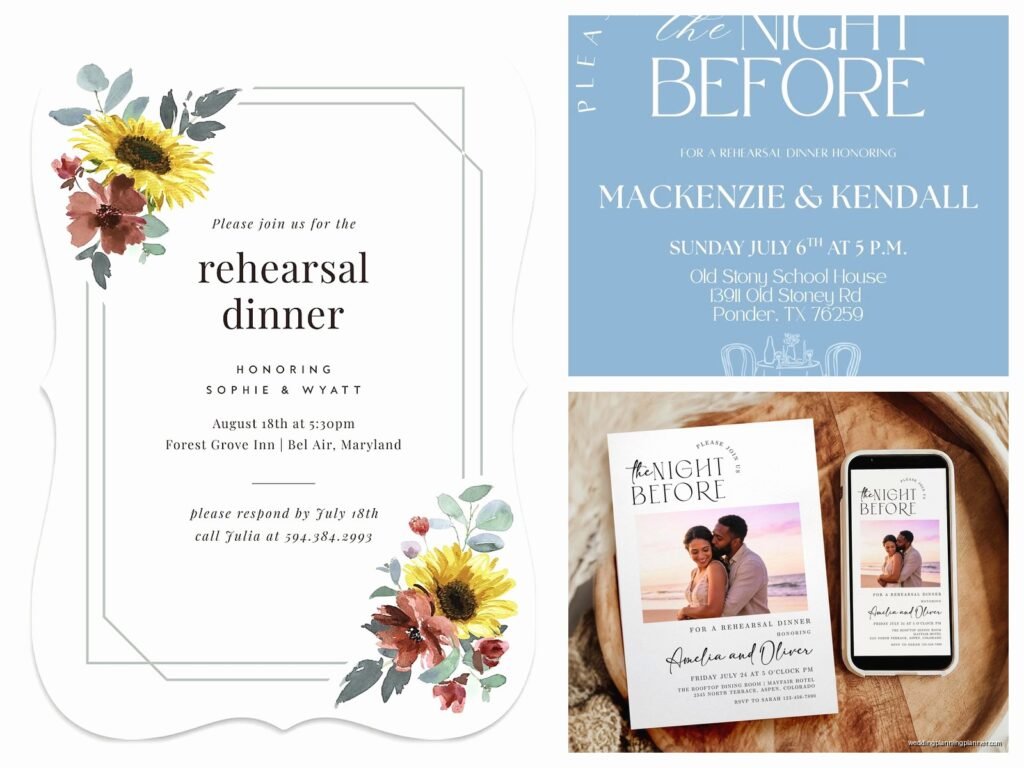
Digital Rehearsal Dinner Invitations: E-Invite Pre-Wedding
May
Digital Rehearsal Dinner Invitations Are Actually Way Less Stressful Than You Think
So you’re gonna send digital invites for your rehearsal dinner and honestly? Smart move. I’ve been doing this for couples since like 2019 and the shift to e-invites for pre-wedding events has been one of those things that just makes sense, especially for rehearsal dinners where your guest list is small and you need responses fast.
First thing – timing matters way more than people realize. You want to send these out about three to four weeks before the rehearsal dinner itself. Not the wedding, the actual dinner. I had this couple in spring 2023 who sent their rehearsal dinner invites the same day as their wedding invites and it created so much confusion because people thought they were invited to both events when really the rehearsal dinner was just for the wedding party and immediate family. We spent like two days fielding confused emails from second cousins.
Figuring Out Your Guest List First
Before you even think about what platform to use, you gotta nail down who’s actually invited. Rehearsal dinners are tricky because there’s no hard rule anymore about who comes. Traditionally it’s the wedding party, immediate family, and out-of-town guests, but I’ve seen everything from 15 people to 80 people at these things.
Make a spreadsheet. I know, I know, but trust me on this. Column A is names, Column B is email addresses, Column C is their role (bridesmaid, groomsman, parent, officiant, etc.), and Column D is whether they’ve RSVP’d. You’ll thank yourself later when you’re trying to figure out who hasn’t responded and you need to… wait, what was I saying? Oh right, the spreadsheet also helps because some platforms let you upload guest lists directly.
Platform Options That Don’t Suck
Alright so there are basically a million platforms now and it’s kinda overwhelming. Here’s what I actually recommend to clients:
Paperless Post is probably my go-to for rehearsal dinners because it hits that sweet spot between casual and polished. They have free options but honestly the paid designs (usually $1-3 per invite) look way better and you can customize everything. The RSVP tracking is solid and guests can respond without creating an account, which matters more than you’d think for older relatives.
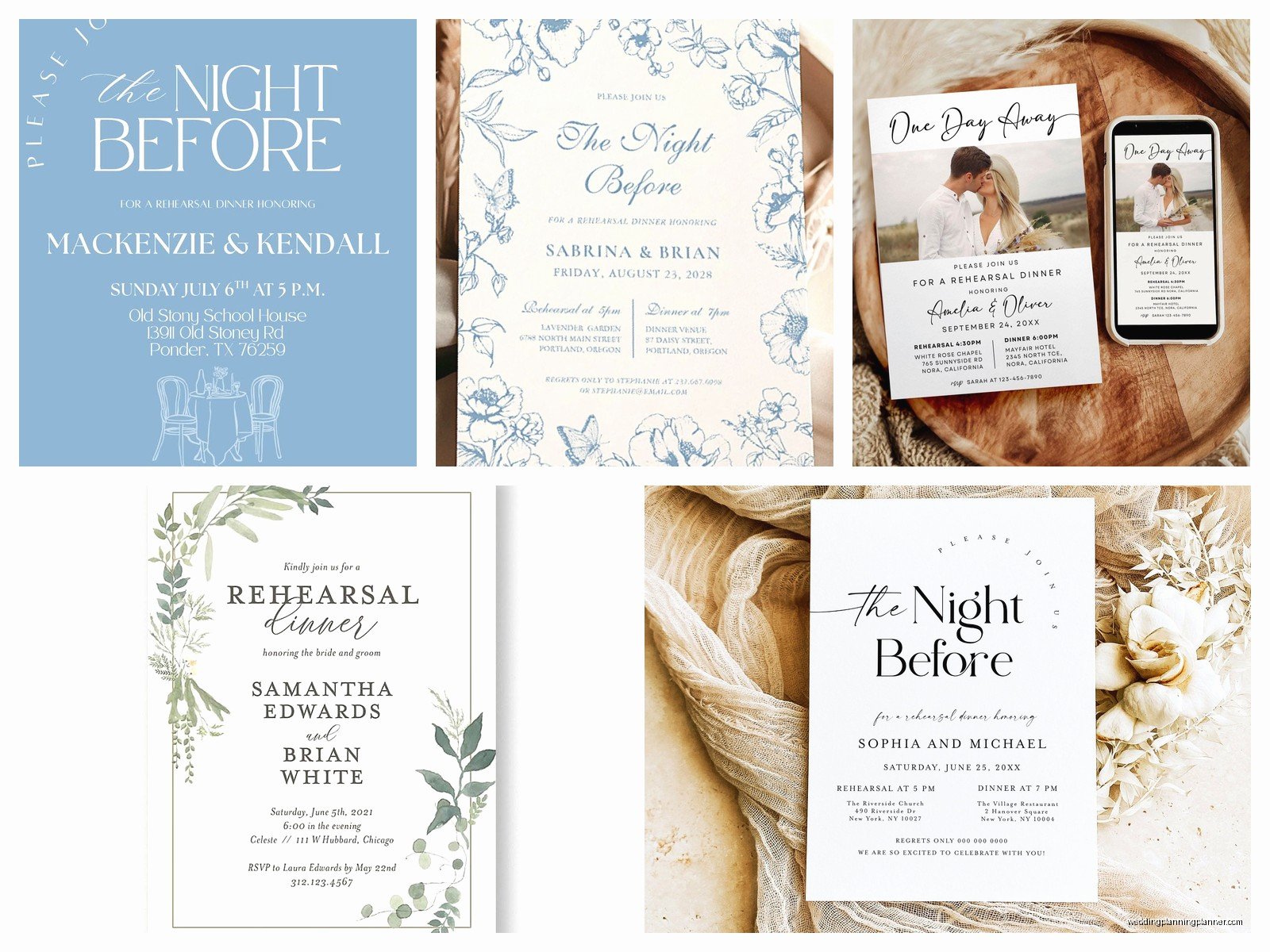
Evite gets a bad rap because people associate it with like, 2008 birthday parties, but they’ve updated their designs a lot. It’s completely free which is nice if you’re budget-conscious. The ads are annoying though – I’ll be honest, that’s the tradeoff. Your guests will see ads when they open the invite and it just looks less premium.
Greenvelope is the fancy option. Their designs are gorgeous and very wedding-appropriate, but you’re paying for it. Plans start around $20 for small events. I use this for clients who want their rehearsal dinner to feel more formal or who are having it at a really nice restaurant or venue.
Canva is the DIY route. You can design your own invite (they have templates), export it as a PDF or image, and then email it yourself or text it. The downside is you have to track RSVPs manually through email responses or by setting up a Google Form. More work but total creative control and it’s free.
What Information You Actually Need to Include
This is where people overthink things. Your digital rehearsal dinner invite needs:
- The words “Rehearsal Dinner” somewhere prominent because otherwise people get confused
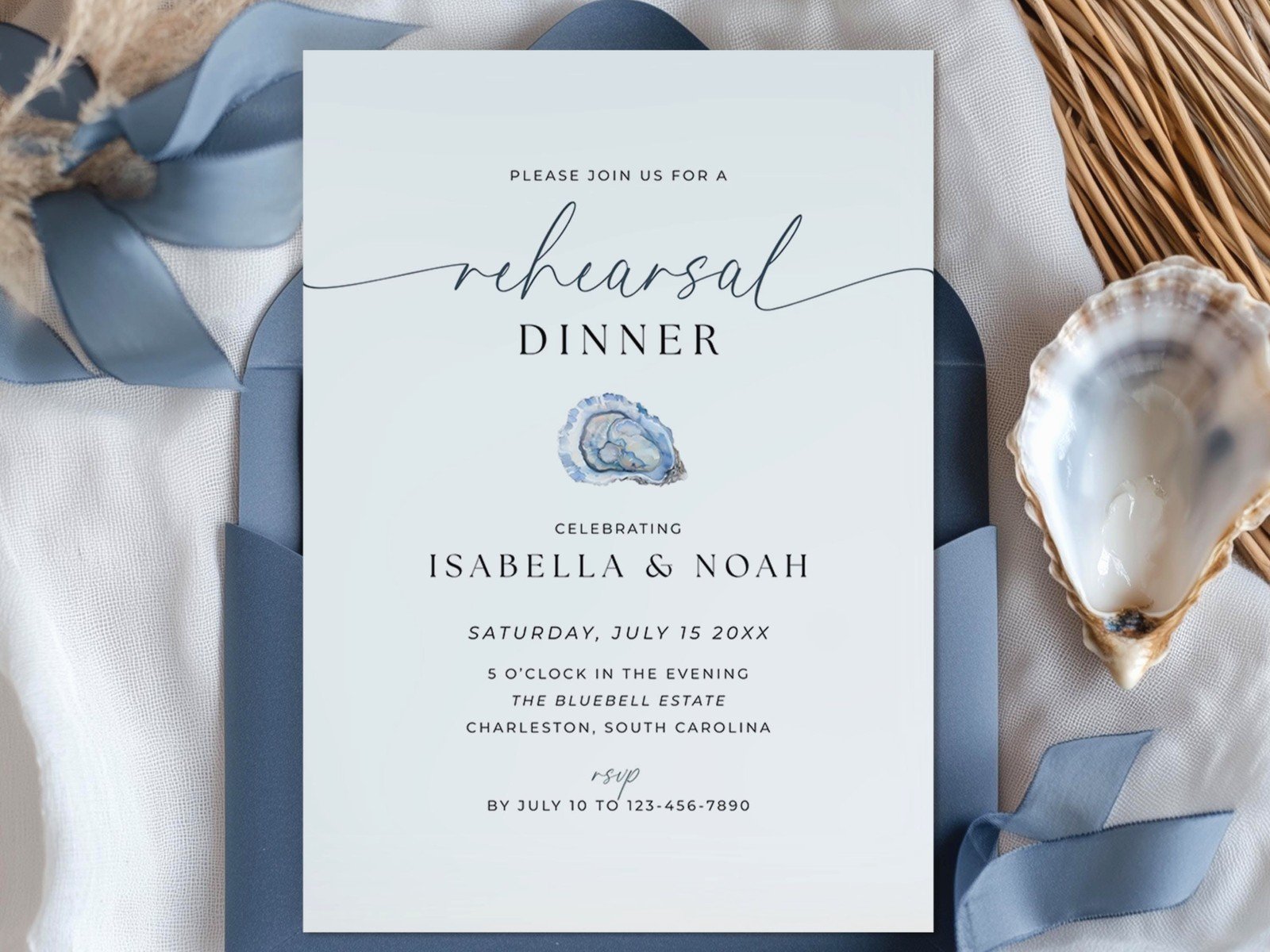
- Date and time (include the day of the week – “Friday, June 14th” not just “June 14th”)
- Location with full address, not just the restaurant name
- Dress code if there is one
- RSVP deadline (make this at least one week before the dinner)
- Who’s hosting (traditionally the groom’s parents but honestly it varies now)
- Any special notes like “join us after the rehearsal” or “cocktails at 6, dinner at 7”
What you don’t need: a long story about your relationship, poems, or too much decorative text that makes it hard to find the actual information. I once got an invite where I had to scroll through three screens of cursive text to find the restaurant name and it made me irrationally annoyed.
Design Stuff That Actually Matters
Keep your design consistent with your wedding invites but slightly more casual. If your wedding invites are formal black-tie affair vibes, your rehearsal dinner can be elegant but relaxed. You don’t want them to look completely different though because it’s all part of the same event weekend.
Colors should match your wedding colors or at least complement them. I usually tell couples to pick one or two colors from their wedding palette rather than using all of them – it looks cleaner on screen.
Font size matters way more in digital invites than paper ones because people are reading on phones. Nothing smaller than 12pt for body text, and make sure there’s good contrast between text and background. Light gray text on white background might look sophisticated but your grandmother can’t read it on her iPhone.
Photos are optional but nice. A casual engagement photo works well, or even just a simple graphic. Don’t use a heavily filtered or edited photo that doesn’t look like you – I had a bride use this dreamy filtered photo and her fiancé’s coworkers didn’t recognize them at the actual dinner which was awkward.
The RSVP Situation
Set up your RSVP to ask for meal preferences if you’re doing a plated dinner. Most platforms let you add custom questions. I usually include:
- Will you attend? (Yes/No)
- Number of guests attending
- Meal preference if applicable (beef, chicken, fish, vegetarian)
- Dietary restrictions or allergies
Don’t ask for too much information though. Every additional question decreases response rates. People are busy and if your RSVP form feels like homework they’ll put it off.
The RSVP deadline should be one week before the rehearsal dinner at minimum, but two weeks is better if you need to give final counts to a caterer or restaurant. Build in some buffer time because people are absolutely gonna respond late. They just are. That’s humanity for you.
Sending Strategy
Send your digital invites on a Tuesday, Wednesday, or Thursday morning – like between 9am and 11am. Sounds specific but there’s a reason. Weekend sends get lost in people’s personal email chaos. Monday mornings are too hectic with work stuff. Friday afternoons people are mentally checked out. Evenings compete with actual plans and TV time (my cat always walks across my laptop during my shows which… anyway).
Most platforms will show you when people open the invite. Don’t obsess over this metric but it’s useful for follow-up. If someone hasn’t opened it after 3-4 days, send them a text like “hey did you get the rehearsal dinner invite I sent? Check your spam folder maybe?”
Speaking of spam folders – this is the most annoying thing about digital invites and nobody warns you. Some email providers flag invitation platforms as promotional content or spam. Tell your guests to check spam if they don’t see it, and consider sending a heads-up text when you send the email invite. “Just sent you the rehearsal dinner invite via email, keep an eye out for it!”
Follow-Up Messages
You will need to follow up with people. I promise you this. Even with digital invites that take literally 30 seconds to respond to, people forget or procrastinate.
Send a reminder email one week after the initial invite to anyone who hasn’t responded. Keep it light and friendly: “Hey! Just wanted to make sure you got the rehearsal dinner invite. Would love to know if you can make it so we can give the restaurant our final count!”
Three days before your RSVP deadline, send another reminder to the stragglers. At this point you can be more direct because you actually need to know. Most platforms let you send reminders only to people who haven’t responded yet, which is super helpful.
After the RSVP deadline passes, anyone who hasn’t responded gets a text or phone call. Email clearly isn’t working for them. Just call and ask directly.
The Week-Of Reminder
About three days before the rehearsal dinner, send a final reminder message to everyone who RSVP’d yes. Include:
- Date and time again
- Full address with a Google Maps link
- Parking information if relevant
- Your phone number in case anyone gets lost
- Any last-minute details
This seems excessive but I had a rehearsal dinner in summer 2021 where four people no-showed because they “forgot” even though they’d RSVP’d yes. The restaurant had prepared their meals and everything. The couple was stressed and we had wasted food and it just… it was preventable with a simple reminder message.
Special Situations and Exceptions
If you have older relatives who don’t use email regularly, send them a paper invite or call them directly. My rule is if someone is over 75, confirm they actually use email before sending a digital invite. You can still send the e-invite for consistency but follow up with a phone call to make sure they got it and understand the details.
Out-of-town guests need extra information in their invite. Include hotel recommendations, transportation options from the hotel to the rehearsal dinner venue, and maybe a note about what else is happening that weekend. They’re traveling for your wedding so make it easy for them.
If kids are invited (or specifically NOT invited), make this crystal clear on the invitation. Don’t be subtle about it. If kids are welcome, say “We can’t wait to celebrate with you and your children!” If they’re not invited, the invite should be addressed only to the adults by name and include a note like “We’ve arranged an adults-only evening” or something similar.
Cost Breakdown
Let’s talk money because that’s usually why people go digital anyway.
Free options (Evite, Canva, basic Paperless Post designs) cost you nothing except time. You’ll spend maybe 1-2 hours setting everything up and customizing it.
Mid-range options (premium Paperless Post designs) run about $15-40 total depending on your guest list size. Worth it if you want nicer designs and no ads.
High-end options (Greenvelope) are $20-60+ depending on features and guest count. Only worth it if your rehearsal dinner is quite formal or you really care about design consistency with fancy paper wedding invites.
Compare this to paper invites which would cost you $75-150 for printing, envelopes, and postage for even a small rehearsal dinner. Plus the time to address and mail everything. Digital just makes sense for this particular event.
Common Mistakes I See All the Time
Sending the invite too early – more than 6 weeks out and people forget about it or their plans change. Three to four weeks is the sweet spot.
Not including an end time. People want to know if this is a quick dinner or an all-evening thing. Give them an estimated end time or say something like “dinner and toasts, expect to wrap up around 9pm.”
Making the design so elaborate that it takes forever to load or doesn’t display properly on phones. Most people will open this on their phone, not a computer, so test it on mobile before sending.
Forgetting to include your wedding website link. The rehearsal dinner invite is a good place to remind people where they can find accommodation info, registry details, and weekend schedule.
Not personalizing the message at all. Even with a template, add a sentence or two in your own words. “We’re so excited to celebrate with our closest family and friends the night before the big day!” or whatever feels natural to you. Makes it feel less automated.
Managing Responses and Changes
Check your RSVP dashboard every couple days, not obsessively but regularly. When people respond, send them a quick thank-you message if your platform allows it. It’s good etiquette and it confirms they submitted their response correctly.
If someone needs to change their RSVP, make it easy for them. Most platforms let guests modify their response, but if yours doesn’t, just tell them to email or text you directly. Life happens, plans change, don’t make people feel bad about it.
Keep your spreadsheet updated as responses come in. Export the data from your invitation platform into your spreadsheet weekly so you have a backup. I’ve seen platforms glitch or couples lose access to their accounts and then they don’t have their guest list or meal preferences and it becomes a whole thing.
Accessibility Considerations
Make sure your invite is readable by screen readers if you have any guests with visual impairments. This means using actual text rather than text embedded in images when possible, and including alt text for any photos or graphics.
If you’re using video or animated elements (some platforms offer these), include a static image version too because animations can be hard for some people to read or can trigger issues for people with certain conditions.
Color contrast matters for accessibility too – there are free online tools where you can check if your text and background colors have enough contrast for people with color blindness or low vision.
The Group Chat Coordination
If you have a wedding party group chat (and you probably do), let them know when you’re sending the rehearsal dinner invite. They can help spread the word and remind people to check their email. Your bridesmaids and groomsmen can be super helpful for tracking down non-responders since they probably have different contact info or can reach people in person.
Don’t use the group chat as a substitute for proper invitations though. Everyone still needs their own individual invite with RSVP capability. The group chat is just for coordination and reminders.
