
Planning Guides, Style Guide
Event Planning Sites: Online Coordination Platforms
Sep
Online Event Planning Platforms Are Kinda Essential Now
So basically you need to understand that coordinating events without some kind of digital platform is like trying to plan a wedding with just sticky notes and prayer. I learned this the hard way in spring 2023 when a bride’s mother kept texting me vendor questions at 11 PM because we didn’t have a centralized system and she just… had my personal cell number and used it freely.
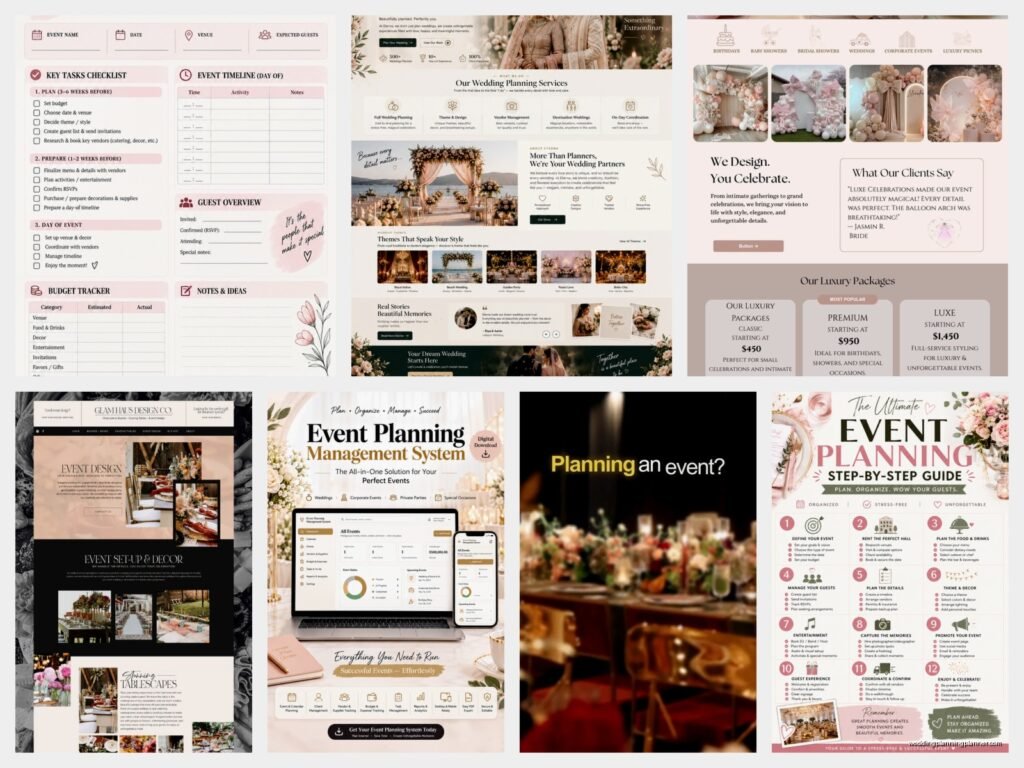
The main platforms you’re gonna want to look at are Aisle Planner, HoneyBook, Planning Pod, and honestly even something like Asana or Trello if you’re on a budget. Each one does slightly different things but they all solve the same core problem which is keeping all your event details, vendor info, timelines, and client communication in one place instead of scattered across email threads, text messages, random Google docs, and that one notebook you swear you brought to the venue walkthrough.
What These Platforms Actually Do
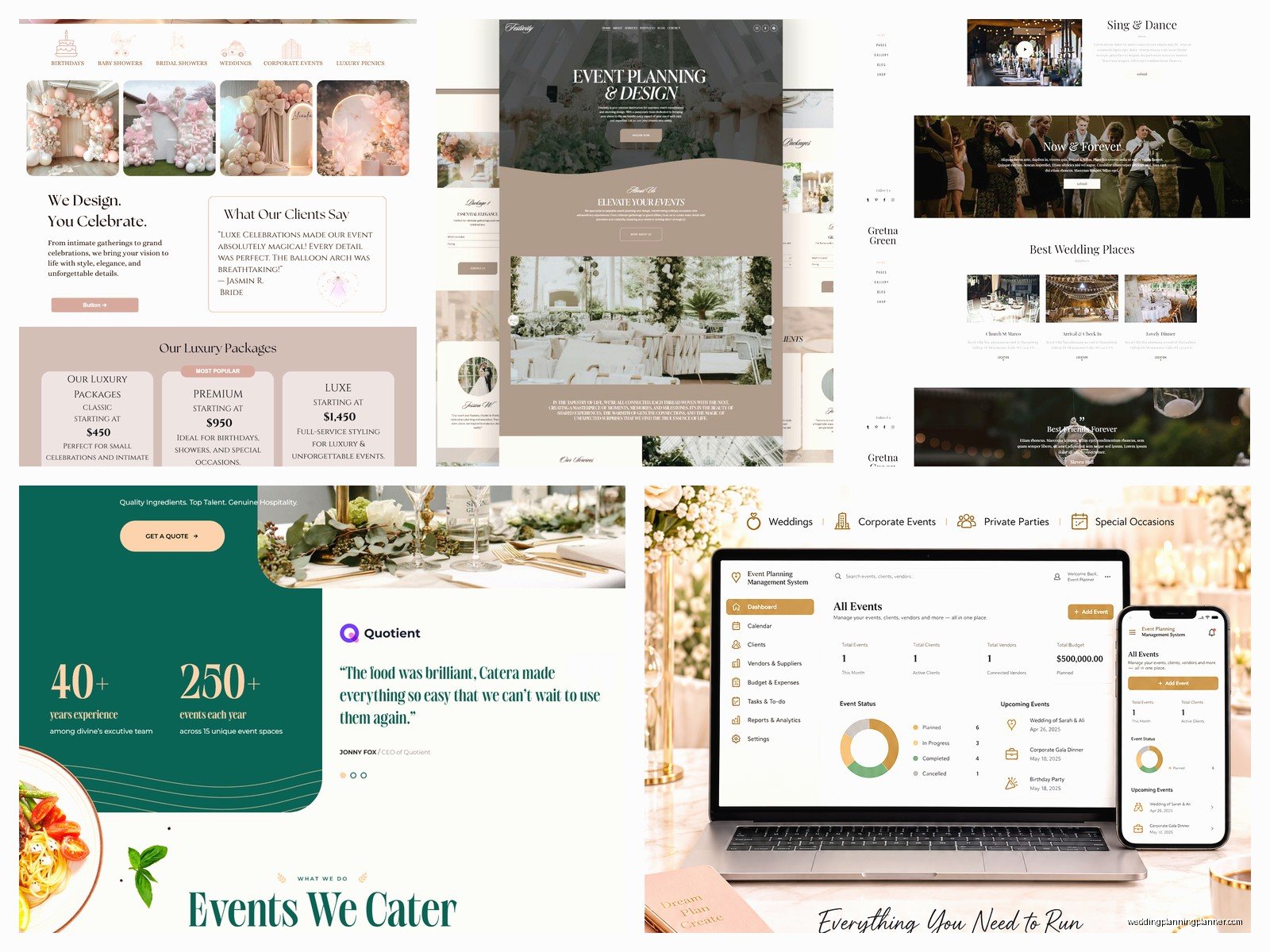
Most event coordination platforms have similar features. You get client portals where couples or corporate clients can log in and see their event details. There’s usually timeline builders that let you create minute-by-minute schedules for the actual event day. Budget trackers that show how much you’ve allocated versus spent. Vendor management sections where you store contracts, contact info, and payment schedules.
The thing that really separates the good platforms from the mediocre ones is how they handle communication. Like, can your clients message you through the platform? Can vendors access what they need without getting into everything? Can you send automated reminders about payments or missing information without having to remember yourself?
HoneyBook is probably the most popular for wedding planners specifically because it does contracts, invoices, and project management all in one. You can send a proposal, get it signed, collect a deposit, and start planning without switching between five different tools. The automation stuff is really solid too. You can set up workflows so when a client books you, they automatically get a welcome email, then three days later a questionnaire, then a week later a reminder about their next payment.
The Budget Tracking Nightmare
Every platform claims to have amazing budget features but honestly most of them are just glorified spreadsheets. Which is fine! Sometimes that’s all you need. But if you’re working with clients who have complex payment structures or multiple budget categories, you gotta test this feature thoroughly before committing.
Aisle Planner has pretty decent budget tools that let you break things down by category and vendor. You can mark items as paid, pending, or overdue. The client can see their budget in real-time which cuts down on those “wait how much have we spent on flowers” emails that come at you during dinner.
Planning Pod is more robust for corporate events or larger productions. It handles things like ticket sales, registration, and attendee management that wedding-focused platforms don’t really bother with. I used it for a charity gala once and the registration integration saved me so much time because attendees could register, pay, select meal preferences, and everything synced automatically.
The Client Portal Thing You Need To Set Up Right
Client portals sound great in theory and they are great but only if you actually use them correctly. What happens with a lot of planners is they set up this beautiful portal with all these features and then still email everything to clients because it’s faster in the moment. Then the portal becomes this abandoned wasteland that nobody checks.
You need to train your clients to use the portal from day one. When they ask you a question via email, answer it but also say “I’ve added this info to your portal under Vendor Details so you can reference it anytime.” Eventually they’ll start checking there first. My cat actually walked across my keyboard while I was setting up a portal once and somehow saved a draft with just “jjjjjjjjjjjjj” in the welcome message and the client mentioned it months later thinking it was some kind of code.
The portal should have everything they need without overwhelming them. I usually include timeline, budget, vendor contacts, inspiration boards, and a task list showing what they need to do versus what I’m handling. Some platforms let you control visibility so you can have internal notes that clients don’t see which is crucial for keeping track of like “bride hates roses don’t suggest them” or “groom’s mother is difficult about catering.”
Timeline Builders That Don’t Make You Want To Scream
Creating day-of timelines is probably the most important thing these platforms do and also the thing that varies the most in quality. A good timeline builder lets you create templates, duplicate events, drag and drop to adjust timing, and share different versions with different people.
Aisle Planner’s timeline is visual and color-coded which helps when you’re showing it to vendors who need to see their specific responsibilities. You can assign tasks to specific vendors so the photographer sees only their timeline, the caterer sees theirs, etc. This prevents information overload and also prevents vendors from weighing in on stuff that’s not their business.
The thing that annoyed me for years was platforms that made you build timelines from scratch every single time. Like why can’t I just duplicate my standard ceremony timeline and adjust it? Finally most platforms added template features but some still make it weirdly complicated. You want something where you can save “Standard 6-Hour Reception Timeline” and then customize it per event.
Timeline sharing is crucial too. Can you export it as a PDF? Can vendors access it through their own login? Can you print it in a format that’s actually readable and not some tiny font nightmare? I’ve shown up to venues with printed timelines that looked perfect on screen but printed out with half the text cut off and let me tell you that’s a fun thing to discover at 8 AM on wedding day.
Vendor Management Features You Actually Need
Storing vendor information seems straightforward but there’s levels to this. Basic platforms let you add vendor names, contact info, and maybe attach a contract. Better platforms let you track payment schedules, store multiple contacts per vendor (because you need the owner’s number AND the person who’s actually showing up), set reminders for when payments are due, and create vendor-specific task lists.
I like systems where I can create a vendor packet that automatically populates with event details. So when I add a new florist to an event, they can access a packet that shows them the venue address, load-in time, my contact info, and any specific notes about the event without me having to type it all out in an email.
The contract storage thing is honestly underrated. Having every vendor contract in one searchable place instead of scattered across email attachments from six months ago is… I don’t even know how I functioned before this. You can search by vendor name, event date, or contract type and actually find things.
Communication Tools That Keep Everything In One Place
This is where things get interesting because some planners love having all communication in the platform and others find it restrictive. HoneyBook has built-in messaging so clients can ask questions through the portal. Planning Pod has discussion threads attached to specific events or tasks. Trello has comments on cards.
The advantage is everything’s documented and searchable. When a client says “but I told you I wanted orchids” you can search the messages and find where they actually said they wanted peonies. The disadvantage is you’re training clients to use another communication method and some people just refuse and will keep texting you anyway.
I’ve found the best approach is using the platform for official stuff like decisions, approvals, and important details, but not fighting clients who want to text about small things. You can always copy important text conversations into the platform notes so there’s a record.
Email integration is huge though. Platforms that can pull in emails or let you forward important emails to create records are worth their weight in gold. I don’t wanna manually copy every email into a platform but I also need that information accessible.
Proposal And Contract Features
If you’re looking at platforms like HoneyBook or Dubsado, the proposal and contract features are kinda their main selling point. You can create branded proposals with your services, pricing, and terms. Clients can review, sign, and pay their deposit all in one flow without printing anything or going to separate payment processors.
The templates save so much time once you set them up. Your standard wedding planning package becomes a template that you customize per client instead of creating from scratch. You can have different pricing tiers, optional add-ons, and payment plans all built in.
Electronic signatures are legally binding in most places and way more convenient than printing, signing, scanning, and emailing. Some platforms use integrated e-signature tools, others integrate with DocuSign or similar services. Just make sure whatever you use is compliant with e-signature laws in your area.
Payment processing integration means clients can pay invoices directly through the platform. Most platforms charge a processing fee on top of their subscription which adds up, so factor that into your pricing. But the convenience of automated payment reminders and one-click payments usually makes it worth it.
Task Management And Checklists
Every event has approximately eight million tasks and keeping track of who’s responsible for what is the difference between smooth execution and chaos. Platform task management lets you create tasks, assign them to yourself or clients or vendors, set due dates, and track completion.
I usually create master task lists by event type. Every wedding gets the same basic 200 tasks that I then customize. Things like “send venue final guest count” or “confirm ceremony musician arrival time” or “order wedding cake topper.” You can set tasks to trigger at specific times, like 60 days before the event or 2 weeks after booking.
Client-facing tasks are tasks that show up on the client’s portal with instructions. “Choose your menu selections” with a link to the caterer’s form. “Provide final guest list” with the format you need. This puts the ball in their court and you can see at a glance what you’re waiting on from them.
The reminder automation is honestly what makes this work. Without reminders, task lists are just aspirational. With automated reminders, stuff actually gets done. You can set tasks to email reminders to whoever’s responsible, escalate if they’re overdue, and notify you when they’re completed.
Mobile Access Because You’re Never At Your Desk
Event planners are on-site constantly so whatever platform you choose needs a solid mobile app or at least a mobile-responsive website. I need to pull up vendor contact info while standing in a parking lot. I need to check the timeline while running between ceremony and reception. I need to update task completion while sitting in my car between appointments.
Some platforms have really good mobile apps that let you do almost everything you can do on desktop. Others have apps that are basically just viewers where you can look at stuff but not really edit. Test the mobile experience before committing because if it’s clunky you just won’t use it.
Offline access is a bonus feature that some apps offer. You can download event details and access them without internet which is clutch when you’re in a venue basement with no cell service trying to remember what time the cake is being delivered.
Integration With Other Tools You’re Already Using
No platform does everything perfectly so integrations matter. Does it connect with QuickBooks for accounting? Does it sync with Google Calendar or Outlook? Can you connect it to Zapier to automate workflows between different tools?
I use Zapier to connect HoneyBook with my email marketing platform so when someone books a planning package they automatically get added to my client newsletter. I also have it connected to my Google Calendar so booked events show up on my calendar without manual entry.
Some platforms integrate with specific vendor tools. Like Aisle Planner integrates with some floral design software and rental management systems. Planning Pod connects with various ticketing and registration platforms. If you work with specific vendors or systems regularly, check what integrations exist.
Pricing And What’s Actually Worth Paying For
Platform pricing is all over the place. Trello and Asana have free tiers that work fine for basic event coordination if you’re just starting out or working with a small number of events. They’re not event-specific but they handle task management and file storage well enough.
Wedding-specific platforms like Aisle Planner and HoneyBook usually run $40-100 per month depending on the plan. You’re paying for event-specific features, client portals, proposal and contract tools, and usually some level of support and training.
Planning Pod is more expensive, starting around $50/month and going up based on features and number of users. But it handles more complex events and has more robust features for things like floor plans, registration, and attendee management.
Most platforms offer annual payment discounts. If you’re committed to using something, paying annually usually saves 20-30%. But try the monthly plan first to make sure it actually works for your workflow.
Free trials are your friend. Actually use the platform during the trial period with a real event, not just clicking around. Set up a client portal, build a timeline, create a proposal. See if it actually fits how you work or if you’re gonna be fighting it constantly.
The Learning Curve Thing Nobody Warns You About
Every platform has a learning curve and it’s always longer than you expect. Even “intuitive” platforms require time to set up templates, learn the features, and integrate into your workflow. Budget at least a few weeks of setup time where you’re not at full efficiency.
Most platforms have tutorial videos, knowledge bases, and webinars. Actually use these resources instead of just clicking around randomly. I know it’s tempting to skip the tutorials but you’ll miss features that could save you hours.
Some platforms offer onboarding calls or training sessions as part of higher-tier plans. If you’re not super tech-savvy or you’re switching from another system, this might be worth the extra cost. Having someone walk you through setup and answer your specific questions speeds up the learning process considerably.
Start with one event type and one set of templates. Get really good at using the platform for that before expanding to other event types or complex features. Trying to set up everything at once is overwhelming and you’ll end up doing it halfway and not using any of it properly.
