
Planning Guides, Style Guide
Free Wedding Cards: No-Cost Template Downloads
Jul
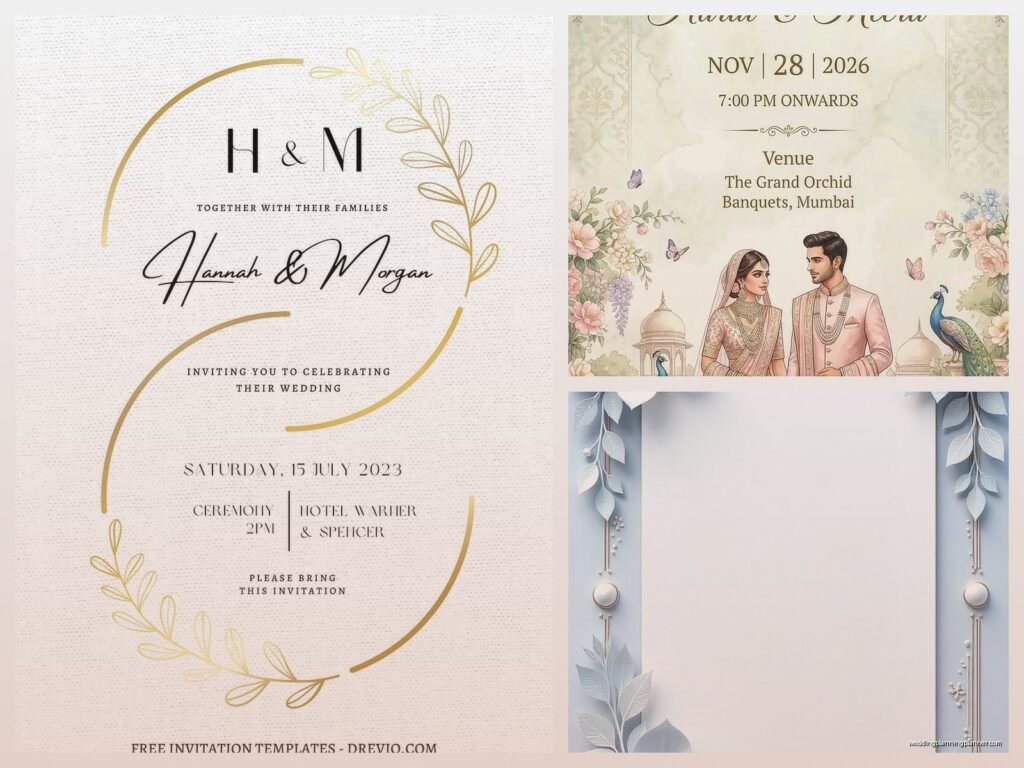
Okay So Free Wedding Card Templates Are Actually Pretty Decent Now
Look, I’m gonna be straight with you – free wedding card templates have come a really long way since like 2015 when everything looked super clipart-y and awful. I remember in spring 2023 I had this bride who was absolutely convinced she needed to spend $800 on custom letterpress save-the-dates, and I showed her some free templates that honestly looked just as good after we customized them a bit. She ended up saving that money for her florist instead which was… probably the smarter move actually.
The thing about free templates is you gotta know where to look and what you’re actually downloading. Not all free templates are created equal, and some of them come with so many restrictions or watermarks that they’re basically useless.
Where To Actually Find Good Free Templates
Canva is obviously the big one everyone knows about. They’ve got thousands of wedding card templates – save the dates, invitations, RSVP cards, thank you notes, the whole deal. The free version is honestly pretty solid. You get access to tons of templates and you can customize colors, fonts, add your own photos. The annoying thing is they’re always trying to upsell you on their “Pro” elements with that little crown icon, but there’s usually a free alternative if you look around.
I use Canva probably three times a week for client mock-ups because it’s just so fast. My cat literally walked across my keyboard while I was designing a rehearsal dinner invite last month and somehow made it look better? Still not sure how that happened.
Greetings Island is another good one that people sleep on. They have specifically wedding-focused templates and the quality is surprisingly high. You can personalize everything online and then download as a PDF. The interface isn’t as sleek as Canva but whatever, it works.
Template.net has a massive collection but you need to be careful because some templates require attribution or have usage restrictions. Always read the fine print before you print 150 invitations.
Adobe Express (used to be called Adobe Spark) is solid if you want something a bit more design-forward. The free version is limited but the templates themselves are really well-designed. I find their stuff looks more modern and less “template-y” than some other options.
The Ones That Kinda Suck But People Use Anyway
Microsoft Word templates – look, they exist, they’re free, but they’re gonna look like Microsoft Word templates. If you’re going for that very traditional, simple vibe then maybe? But most of them feel dated.
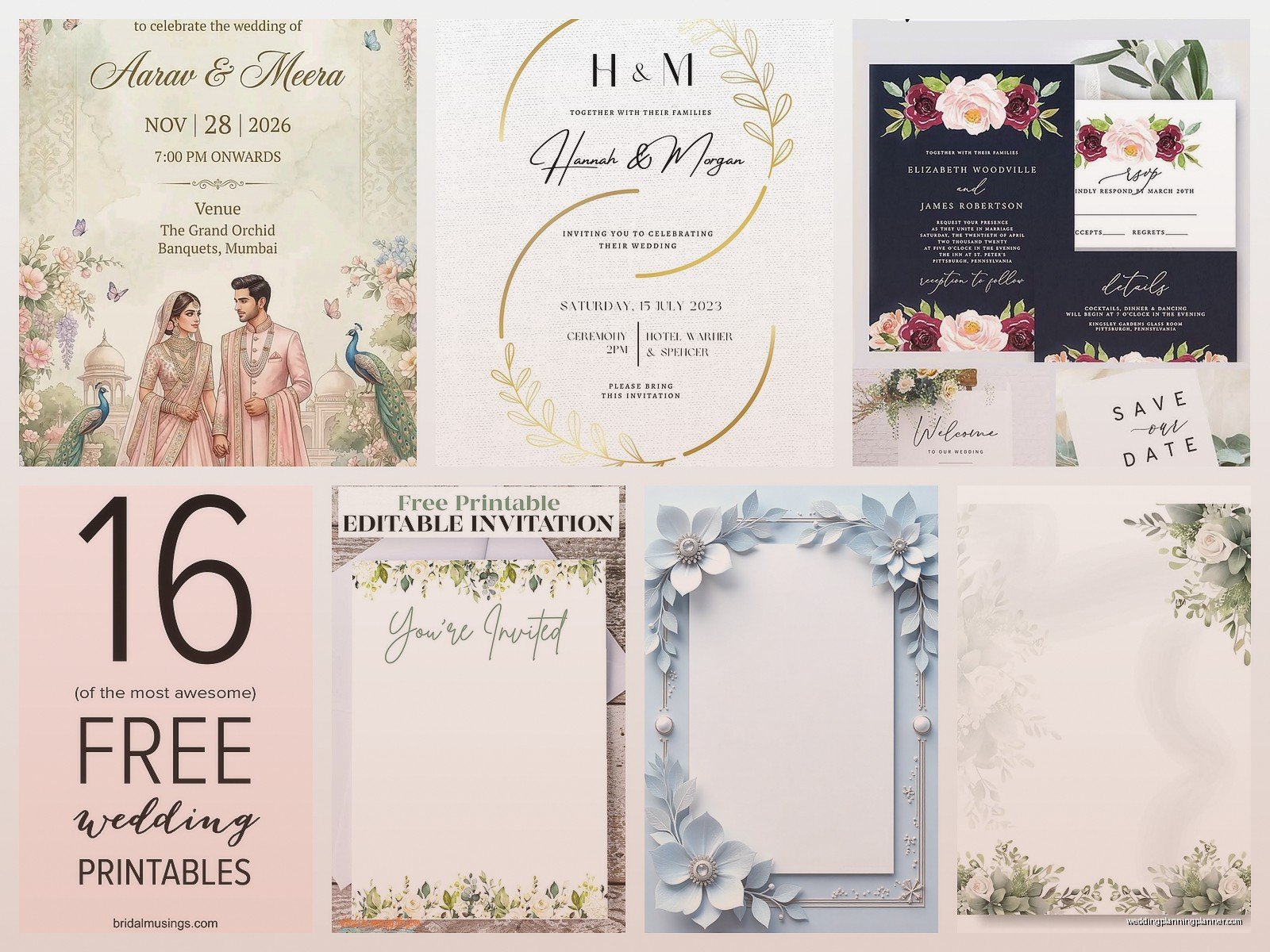
Pinterest links to “free templates” – this is a minefield. Half the links are broken, a quarter lead to paid products that aren’t actually free, and the remaining ones might give your computer a virus. I’m exaggerating but only slightly. If you find something on Pinterest, make sure it’s from a reputable source.
What You Need To Know Before Downloading Anything
File format matters SO much and nobody thinks about this until it’s too late. PDFs are great for printing but you can’t edit them easily. PNG files are good for digital sharing but might not print at the right resolution. If you’re planning to print professionally, ask your print shop what format they prefer. Most want high-resolution PDFs with bleed marks.
Speaking of resolution – anything you’re printing needs to be at least 300 DPI. I cannot stress this enough. Your template might look gorgeous on your screen at 72 DPI but it’ll print blurry and pixelated. This is probably the number one mistake I see people make with DIY invitations.
Color profiles are another thing that… okay this gets technical but basically if you’re printing at home on your regular printer, RGB color mode is fine. If you’re using a professional printer, they usually want CMYK. Some free templates don’t specify which color mode they’re in and that can cause your colors to print differently than they appear on screen.
How To Actually Customize These Things
Once you download a template, you’ll want to make it actually look like YOUR wedding and not just a template that 5,000 other couples are using. Change the fonts first – that makes the biggest visual impact. Google Fonts is completely free and has hundreds of options. I’m personally obsessed with font pairing right now, like using a script font for names and a clean sans-serif for details.
Colors are the next obvious thing. Pull colors from your wedding palette. If you don’t have a wedding palette yet (which is totally fine), pick 2-3 colors that you like together. There are free tools like Coolors or Adobe Color that can help you create color schemes.
Add your own photos if the template has image placeholders. Engagement photos work great for save-the-dates. For formal invitations you might want to skip photos entirely and just use decorative elements.
The Details That Actually Matter
Okay so the wording on your invitations is weirdly important and there’s like traditional etiquette rules that some people care about and some people don’t. For formal weddings, you typically spell everything out – “Saturday, the fifteenth of June” instead of “Saturday, June 15th.” No abbreviations for states or street names.
For casual weddings, you can be more relaxed with the wording. I had a couple last year who wrote “Let’s party!” at the top of their invitation and honestly it was perfect for them.
Make sure you include: who’s getting married (obviously), date, time, location with full address, and RSVP information. You’d be surprised how many people forget to include an RSVP deadline or method.
What really annoyed me recently was this one template pack I downloaded that had beautiful designs but the text boxes were locked and you couldn’t move them without upgrading to premium. Like… that’s not really free then, is it? Just say it’s a preview version or something.
Printing Your Free Templates Without Spending A Fortune
You’ve got a few options here. Home printing is the cheapest but also the most time-consuming and you need a decent printer. If you go this route, invest in good cardstock. The paper quality makes a huge difference. I usually recommend 80lb or heavier cardstock.
Print shops like FedEx or Staples can print your designs for pretty reasonable prices, especially if you’re doing a simple design on standard sizes. Call ahead and ask about pricing – it varies a lot by location.
Online printing services like Vistaprint, Moo, or Printful often have deals. Upload your PDF and they’ll print and ship to you. The quality is usually consistent and professional. Sometimes their sales make it cheaper than printing locally.
One thing about printing – always do a test print first. Print one copy, check the colors, check the spacing, make sure nothing is cut off. I learned this the hard way in summer 2021 when a client printed 200 invitations and the bottom line of text was cut off because the margins were wrong. We had to reprint everything.
Digital Wedding Cards Are Also A Thing Now
Honestly if you wanna save money AND be eco-friendly, digital invitations are totally acceptable now. Post-pandemic, people are way more comfortable with digital everything. You can create your design using the same free templates and then send them via email or text.
Paperless Post has free options (though their nice designs cost money). You can also just save your Canva design as a JPEG and send it however you want. Some couples create a wedding website and link to it from a simple digital save-the-date.
For older relatives who might not be tech-savvy, you can always print a few physical copies and send digital to everyone else. Mix and match based on your guest list.
Making Free Templates Look Less Free
This is gonna sound weird but sometimes the way to make a free template look expensive is to simplify it, not add more stuff. Remove some of the decorative elements. Use more white space. Pick one or two elegant fonts instead of mixing five different ones.
Consistency across all your wedding stationery also makes everything look more professional. If your save-the-date has a certain style, carry that through to your invitations, programs, menus, place cards, whatever else you’re printing.
Envelope addressing is another thing – if you hand-address envelopes or use nice calligraphy (even if it’s a calligraphy pen from the craft store and not real calligraphy), it elevates the whole presentation. Or you can print addresses using a nice font, that works too.
Common Mistakes People Make With Free Templates
Using too many fonts. Seriously, stick to two, maybe three maximum. When you start mixing script fonts with serif fonts with decorative fonts with handwriting fonts, it looks chaotic.
Not proofreading. I’ve seen invitations with misspelled venue names, wrong dates, wrong times. Have like three different people proofread before you print. Read it backwards. Read it out loud. Check every single detail.
Ignoring paper size standards. If your template is a weird custom size, you’re gonna pay more for printing and you might not find envelopes that fit. Stick to standard sizes when possible – 5×7 is the most common for wedding invitations.
Forgetting about envelopes entirely until the last minute. Figure out your envelope situation when you’re designing, not after you’ve printed everything. Some templates include matching envelope liners or addressing templates which is super helpful.
Not considering the whole suite. Your invitation probably needs an RSVP card, maybe a details card with accommodation info or directions, maybe an outer and inner envelope… think about all the pieces you need before you start designing.
Stuff You Might Need Beyond Just The Invitation
Save-the-dates usually go out 6-8 months before the wedding. These can be even simpler than invitations – just names, date, location (city), and “invitation to follow.”
RSVP cards need a deadline (usually 3-4 weeks before the wedding), a way for guests to respond, and ideally a pre-addressed stamped envelope to make it easy for them. Or skip the card entirely and do online RSVPs through your wedding website.
Details cards are helpful for including info about hotels, transportation, dress code, or your wedding website without cluttering the main invitation.
Programs, menus, place cards, table numbers – you can find free templates for all of these too. Keeping them consistent with your invitation design ties everything together nicely.
Timeline Stuff Nobody Tells You
Start looking at templates like 4-5 months before you need to send invitations. That gives you time to customize, order samples, make changes, and not feel rushed.
Invitations typically go out 6-8 weeks before the wedding. For destination weddings, send them 3 months ahead.
Factor in production time – if you’re printing at home, you need time to print, cut if necessary, assemble everything, address envelopes. If you’re using a print service, they usually need 1-2 weeks for production plus shipping time.
I always tell couples to add an extra week buffer because something always goes wrong. The printer jams, you run out of ink, the cardstock you ordered is backordered, whatever.
When Free Templates Might Not Be The Move
If you’re having a super formal black-tie wedding at a fancy venue, you might want to invest in custom or semi-custom invitations. There’s a certain level of formality that’s hard to achieve with free templates.
If you have zero design skills and zero patience for learning, the time you spend fighting with a template might not be worth the money you save. Sometimes paying someone else to do it is the better choice for your sanity.
If you want really specific customization – like incorporating family crests, or using a painting you commissioned, or matching your invitations to very specific brand colors – custom might be easier.
But honestly? For most weddings, free templates work great. I’ve seen gorgeous invitations made from free Canva templates and I’ve seen expensive custom invitations that looked kinda boring. It’s more about how you customize and present them than whether you paid money for the base template.
The main thing is your invitations should give guests the information they need and reflect your style as a couple. Whether that costs $50 or $500 is totally up to you and your budget priorities. Free templates just give you more options to allocate money elsewhere – better food, better music, better photography, or just… less debt after the wedding which seems pretty smart to me.
