
Planning Guides, Style Guide
Save the Date Electronic Invite: Digital Announcement
May
Getting Your Digital Save the Dates Actually Sent
Okay so electronic save the dates are basically the standard now and honestly they’re so much easier than I thought they’d be when I first started doing this in like 2015. You’re gonna send these out 6-8 months before the wedding, maybe even earlier if it’s a destination thing or holiday weekend. The whole point is giving people a heads up so they don’t book that weekend for their cousin’s baby shower or whatever.
First thing – and this drove me absolutely crazy with a client back in spring 2023 – you need to collect email addresses that actually work. I had this couple who just assumed everyone’s email was firstname.lastname@gmail and like… no. Half the guests never got the save the date because the groom’s uncle uses AOL still (yes really) and his college friends all had these random emails from 2008. Make a spreadsheet. Ask parents for their side of the family. Text people directly if you have to. I literally sat with my laptop at a coffee shop for three hours helping them track down correct emails because they waited until the last minute and then panicked.
Choosing Your Platform
There are so many options now it’s kinda overwhelming. Paperless Post is probably the most popular – they have gorgeous designs and the interface is pretty intuitive. Greenvelope is another good one, more eco-focused branding if that matters to you. Then there’s Evite which everyone knows but feels a bit… I dunno, casual? Like birthday party vibes. For weddings I usually steer people toward Paperless Post or Greenvelope, or even Minted which has digital options now.
You can also just design something yourself in Canva and send it as an image attachment, but then you’re manually tracking who opened it and who didn’t, which gets messy fast. The paid platforms give you tracking, RSVP collection if you want that (though traditionally save the dates don’t need RSVPs), and they look more polished.
Price-wise, Paperless Post uses this “coin” system that I find unnecessarily confusing – you buy coins and spend them on designs and sends. It usually works out to like $1-3 per invitation depending on the design. Greenvelope is similar. Evite has free options but they’re pretty basic. If you’ve got 150 guests, budget maybe $200-300 for a really nice digital save the date if you’re going premium. Or $0 if you’re doing the DIY route.
Design Stuff That Actually Matters
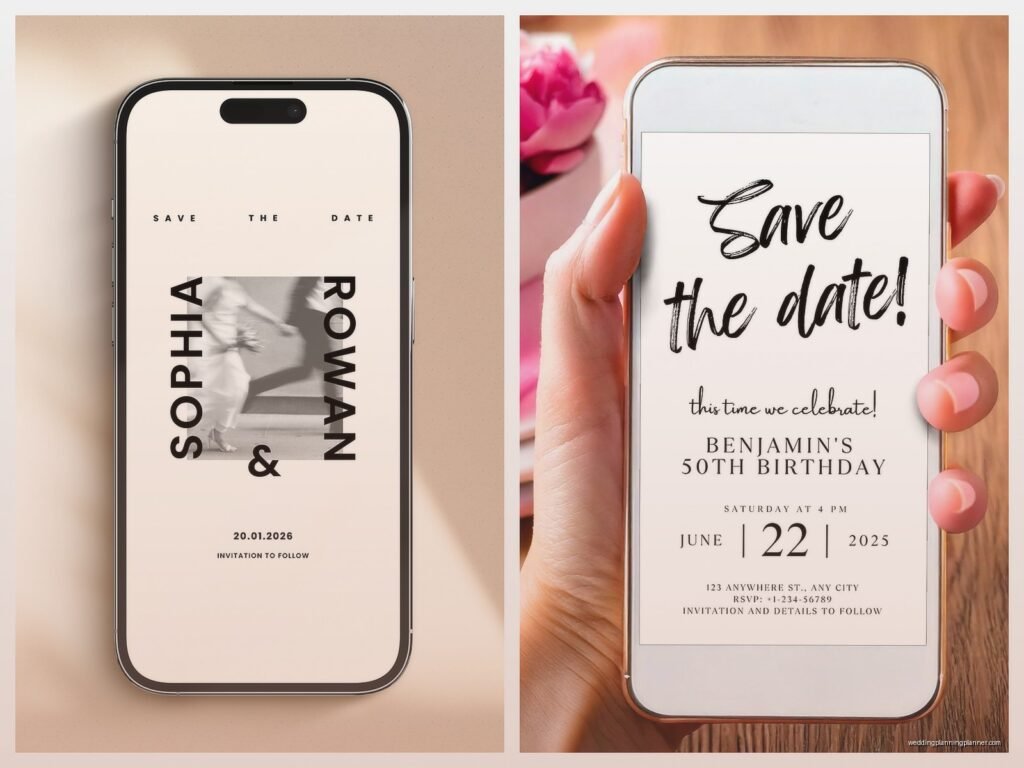
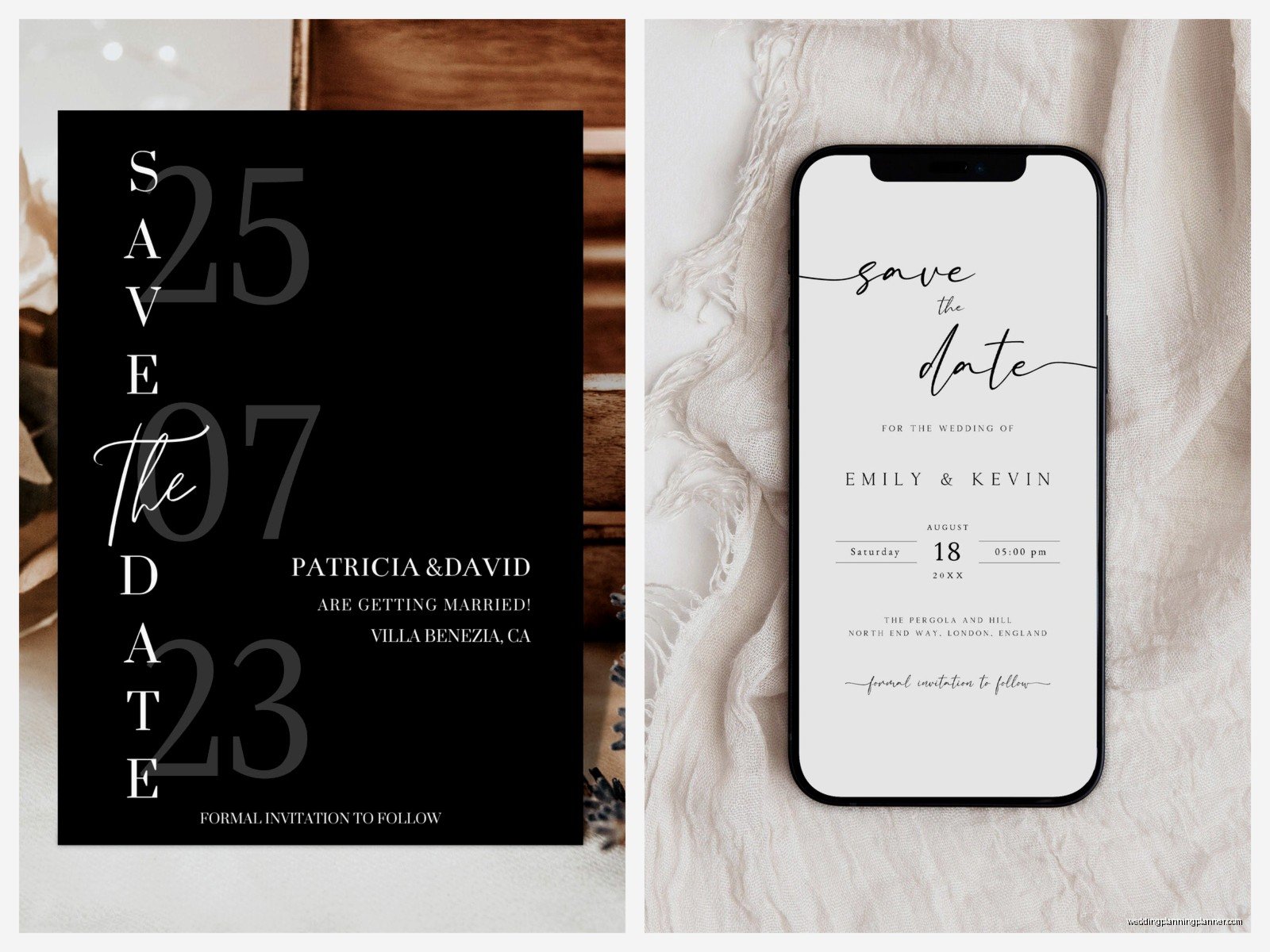
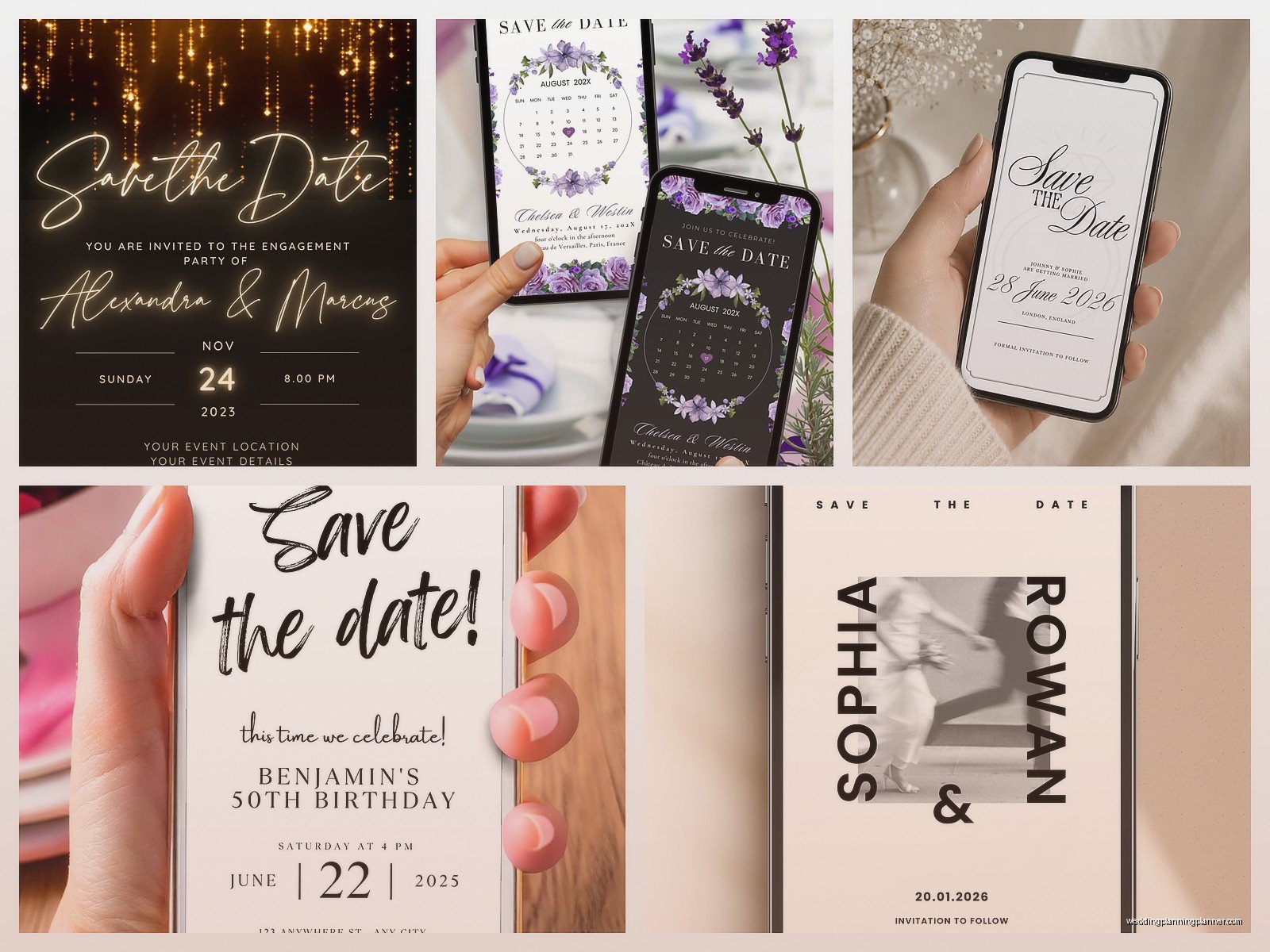
Keep it simple. You need the essential info and that’s it. Names (yours and your partner’s), wedding date, city/location (you don’t need the full venue address yet), and maybe a note that “formal invitation to follow.” Some people add their wedding website URL here which is smart because then guests can start booking hotels.
I see couples overthink this constantly. They want to match their whole wedding aesthetic perfectly and spend weeks going back and forth on fonts. Your save the date doesn’t need to be a work of art – it needs to communicate a date and location. Save the fancy design energy for the actual invitation.
That said, do make sure it’s readable on phones since like 80% of people will open it on mobile. I learned this the hard way when a design looked gorgeous on my laptop but the text was completely illegible on an iPhone. Test it. Send it to yourself and open it on your phone before you send to everyone.
Photos are nice but not required. If you include an engagement photo, make sure it’s high quality and you both actually like it. I had a bride who included a photo her mom chose and she hated how she looked in it but felt stuck because… I don’t even know why, but we had to redo the whole thing.
Timing and Actually Sending Them
Send these on a weekday morning, like Tuesday or Wednesday around 10am. Not Friday afternoon when people are checked out, not Sunday night when everyone’s dreading Monday. You want people to actually open and read it, not archive it immediately or have it get buried.
Six to eight months out is the sweet spot for most weddings. Destination weddings or holiday weekends need more time – like 10-12 months. My brother got married New Year’s Eve 2022 and sent his save the dates in February that year, which was perfect because people could plan around it.
One thing that annoyed me SO much – couples who send save the dates but don’t have their wedding website ready yet. What’s the point? People get the save the date, they’re excited, they go to book a hotel and there’s no information anywhere. Have your website at least partially set up with hotel blocks and travel info before you send these out. It doesn’t need to be complete but give people something to work with.
The Technical Stuff Nobody Tells You
Email deliverability is real and it’s annoying. Some of your guests will have spam filters that catch these invitations, especially if you’re sending from a platform they don’t recognize. Include in your message something like “please check your spam folder if you don’t see this” or whatever. Also, send yourself and your partner test versions first to make sure everything works.
You’re gonna get bouncebacks. Emails that don’t go through. Keep a list of these and follow up with those people directly – text them a screenshot of the save the date or call them. Don’t just assume they got it.
I use a spreadsheet to track everything: guest name, email address, date sent, date opened (if the platform shows that), any bouncebacks or issues. Sounds obsessive but trust me, when you’re doing actual invitations later you’ll want this information. You’ll know who doesn’t check email regularly and might need a phone call.
What to Include in the Actual Email Message
Most platforms let you write a little message that goes with the digital save the date. Keep it short. Something like:
“We’re so excited to celebrate with you! Please save the date for our wedding on [date] in [city]. Formal invitation and details to follow. Check out our wedding website for hotel information and travel details: [URL]”
That’s it. You don’t need a novel. You don’t need to explain your whole love story or… okay I had a groom who wanted to include like three paragraphs about how they met and I was like, save it for the wedding website, this is just a date announcement.
Guest List Considerations
Only send save the dates to people who are definitely invited to the wedding. This sounds obvious but I’ve seen couples send them to people they’re “probably” inviting and then have to uninvite them later when they finalize numbers. Awkward doesn’t even cover it.
Make sure you’re on the same page about plus-ones before sending. If someone gets a save the date addressed just to them, they’re gonna assume no plus-one. If it says “and guest,” they’ll expect to bring someone. Be clear about this upfront because it’s way harder to change later.
Also figure out the kids situation. Are children invited? If not, address the save the date to just the parents’ names. If yes, include the kids’ names or say “and family.” People will make assumptions based on how you address these.
Following Up
You’ll have people who don’t open the email for weeks. The platforms show you this data and it’s honestly kinda fascinating and also mildly insulting when your college roommate still hasn’t opened it after a month. Don’t take it personally – people are busy and email is overwhelming.
For close family and friends who haven’t opened it after like two weeks, just text them. “Hey did you get our save the date email? Want to make sure it didn’t go to spam.” Easy.
Some older relatives might not do email at all or they’ll tell your mom they never got it when really they just don’t check email. For these people, I usually suggest sending a paper save the date or just calling them. My cat knocked over my coffee while I was addressing paper backups once and I just… anyway, sometimes the old-school approach is necessary for certain guests.
Common Mistakes I See All the Time
Sending save the dates before you’ve actually booked the venue. I know you’re excited but what if the venue falls through? Wait until you have a signed contract and a guaranteed date.
Including too much information. Registry details don’t go on save the dates. Dress code doesn’t go here. This is purely a date and location announcement. Everything else comes with the formal invitation.
Forgetting to proofread. I’ve seen save the dates with typos in the date (!!!), wrong city names, misspelled names. Send a test to like five different people and ask them to check everything carefully. Fresh eyes catch stuff you’ll miss after staring at it for hours.
Not matching the formality of your wedding. If you’re having a black-tie ballroom wedding, your save the date should reflect that – not be super casual with beach graphics or whatever. It sets expectations for your guests about what kind of event this is.
The Wedding Website Connection
Your save the date and wedding website need to work together. I usually tell couples to set up the website first, then create the save the date with the website URL included. The website should have at minimum: your names, wedding date and location, hotel blocks, travel information, and maybe your engagement story if you want.
You can use The Knot, Zola, Minted, Withjoy, or even build your own if you’re into that. Most of these are free for basic versions. Make the URL easy to remember and type – like “JohnAndSarahWedding.com” or whatever. Don’t make it some complicated thing people will mistype.
Put the website URL clearly on your save the date. Some designs have a spot for it built in, others you’ll need to add it to the message portion. Just make sure it’s there and it’s clickable if possible.
Accessibility Things to Think About
Make sure your design has good contrast – dark text on light background or vice versa. Some of your guests might have vision issues and if your design is like… pale pink text on white background, they’re not gonna be able to read it.
Keep fonts readable. Fancy script fonts look pretty but can be hard to decipher, especially on small phone screens. Use them for names or decorative elements but keep the important info in a clear, readable font.
Include all the info in text form too, not just in images. Screen readers need actual text to read, not just pictures with words on them. Most good platforms handle this automatically but if you’re doing a DIY version, think about this.
Eco-Friendly Angle
One of the benefits of digital save the dates is obviously the environmental aspect. No paper, no printing, no shipping. If this matters to you, mention it! Some guests might wonder why you’re not doing paper and a simple note like “We’ve chosen digital invitations to reduce our environmental impact” explains it.
You can also use this as a jumping off point for other eco-friendly wedding choices – digital programs, online RSVPs, etc. But that’s getting into wedding planning territory beyond just the save the date.
Backup Plans
Have a plan for guests who don’t do email. Elderly relatives, technophobe uncles, whatever. You can order a small batch of paper save the dates just for them – doesn’t have to match your digital design perfectly, just needs to communicate the same info. Or honestly just call them and tell them the date. They’ll appreciate the personal touch anyway.
Keep a list of who you sent digital vs. paper to so you remember later when you’re doing formal invitations. You’ll probably want to send paper invitations to the same people who got paper save the dates.
Dealing with Questions
Once you send save the dates, you’re gonna get questions. So many questions. “Is this formal?” “Can I bring my boyfriend?” “Where exactly is the venue?” “What’s the weather like there in October?”
Have a plan for fielding these. Point people to your wedding website for most answers. For plus-one questions, be prepared with your policy and stick to it consistently. For venue-specific stuff, you can say “More details coming with the formal invitation.”
Set up a wedding email address if you don’t want your personal email flooded. Something like johnandarahwedding2024@gmail or whatever. Put this on your wedding website as a contact method. Then you can both access it and manage questions together.
My favorite platform feature is the ability to customize the save the date for different guest groups – like you can send a slightly different version to family vs. friends vs. coworkers if you want. Not necessary but kinda cool if you’re into that level of… wait, I’m getting off track.
Just remember that once these go out, your wedding is real and official in people’s minds. They’ll start asking questions, making plans, buying outfits. It’s exciting but also means you gotta have your stuff together enough to answer basic questions. You don’t need every detail finalized but know the general vibe and key logistics before you hit send on those save the dates.
