
Planning Guides, Style Guide
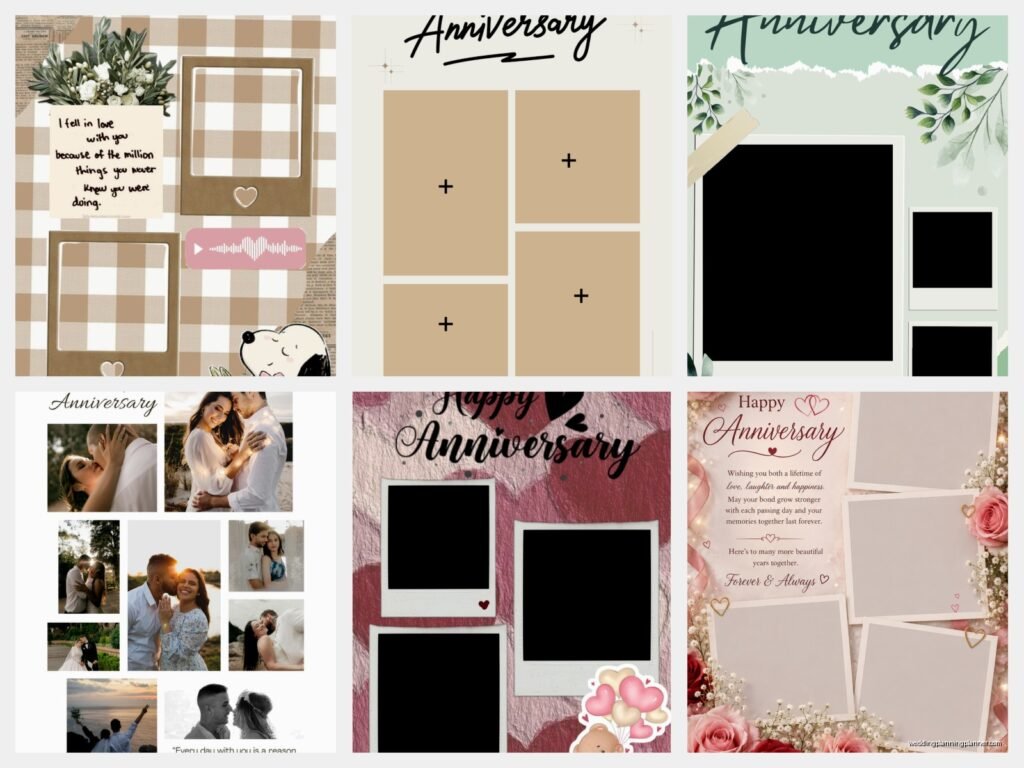
Template Happy Anniversary: Free Download Files
Sep
So You Need Anniversary Templates Right Now
Okay so anniversary templates are like this thing that everyone searches for at midnight the day before their actual anniversary and I say this because I’ve literally been that person. Spring 2023, I was swamped with three weddings in one weekend and completely forgot my own anniversary until like 11pm the night before. Had to scramble and find something decent that didn’t look like it came from 2005.
The whole free download template situation is kinda wild because there’s so much stuff out there but half of it is either watermarked to death or requires you to sign up for like seventeen different newsletters before you can actually download anything. That part honestly drives me insane.
Where to Actually Find Good Free Templates
Let me just jump into where I actually go when I need templates for clients or myself. Canva is the obvious one and yeah it’s free with limitations but their anniversary templates are actually pretty solid. You’ve got greeting cards, social media posts, invitation formats. The free version gives you enough to work with unless you’re gonna be super picky about fonts.
I also use Greetings Island a lot which sounds kinda cheesy but they have these printable anniversary cards that you can customize online. No software needed. You just type in your text, maybe add a photo, and download as PDF. Takes maybe five minutes if you’re not overthinking it.
Template.net has a bunch of stuff too but here’s the thing—you gotta have a membership for most of their good templates. They do have some genuinely free ones though if you scroll past all the premium options. I’ve downloaded invitation templates from there that worked perfectly fine.
Microsoft Office templates are surprisingly decent if you already have Word or PowerPoint. People forget about these but they’re already on your computer and they’re actually free if you have the software. The selection isn’t massive but there’s enough variety for basic anniversary cards or certificates.
The Different Types You’ll Find
Anniversary card templates are the most common. These are usually formatted for standard card sizes like 5×7 or A6. You download them, customize the text, print on cardstock, fold them up. Done. Some come as flat cards which honestly I prefer because folding never looks as clean as you want it to unless you have a scoring tool.
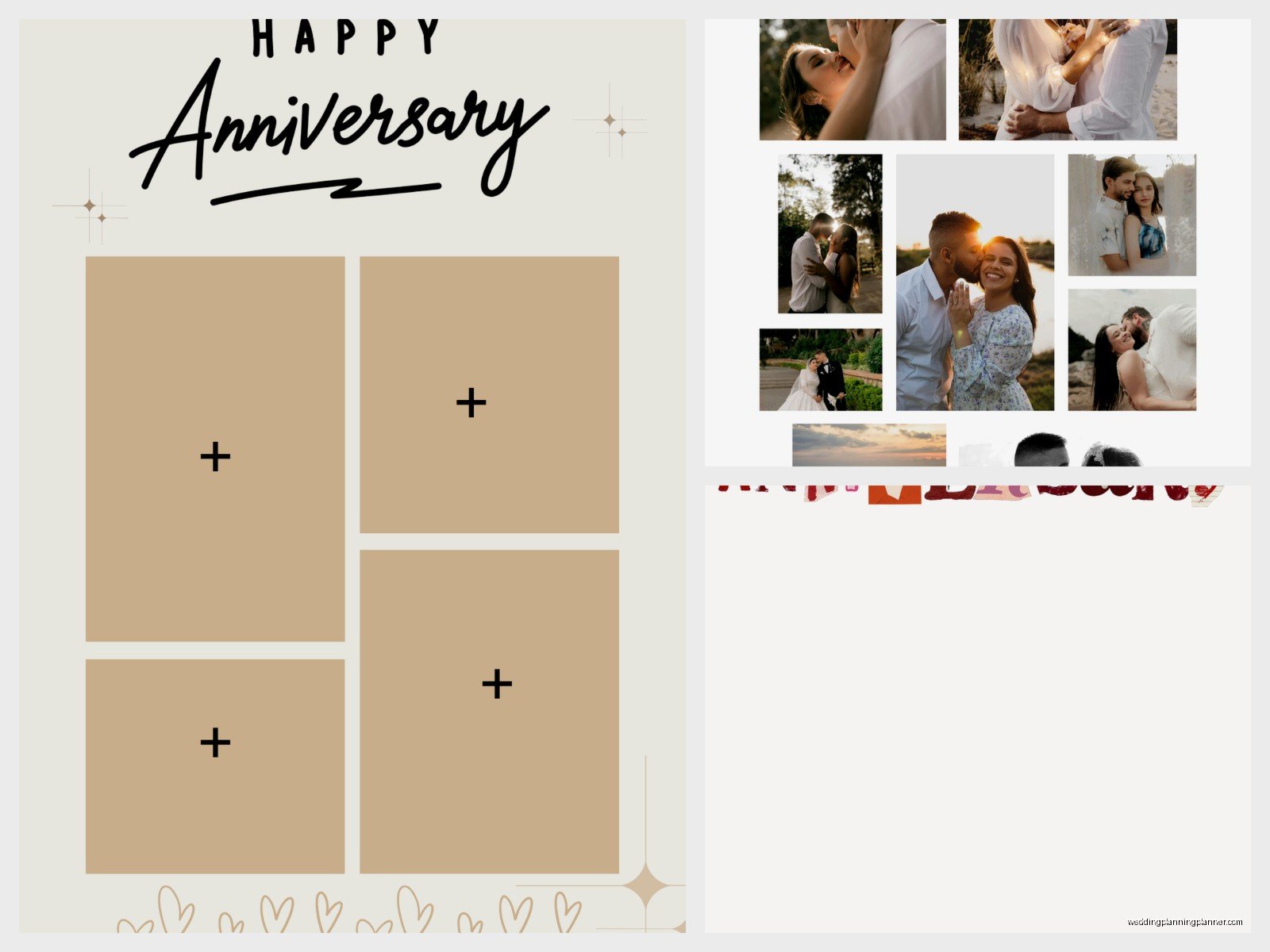
Then there’s invitation templates which are more for anniversary parties. Like if someone’s celebrating their 25th or 50th and throwing a big thing. These usually have more formal layouts with space for all the event details, RSVP info, that kind of stuff.
Social media templates are huge now. Square formats for Instagram, story templates, Facebook post designs. I use these a lot for clients who want to announce their anniversary online but want something that looks better than just throwing a photo up with text overlay in whatever random app they’re using.
Certificate templates are for more formal anniversary recognition—like if you’re acknowledging an employee’s work anniversary or creating something official-looking for a milestone. These usually have borders and formal typography.
Photo book or album templates exist too but those are usually more complex and might require actual design software like InDesign or at least Photoshop. Not really beginner-friendly.
What File Formats You’re Gonna See
PDF is the most common and probably the easiest to work with. You can usually open these in any PDF editor or even just print them directly. Some PDFs are fillable which means you can type directly into them without needing separate software. Those are my favorite honestly.
DOCX files are Microsoft Word documents. These are super customizable—you can change colors, fonts, move elements around. The downside is formatting sometimes gets weird if you don’t have the exact same fonts installed that the template designer used.
JPEG or PNG files are just images basically. You can’t really edit the text in these unless you use photo editing software. I only download these if I’m planning to add text in Canva or Photoshop later. They’re not ideal if you want something quick.
PSD files are Photoshop documents. These give you the most control but you absolutely need Photoshop or a compatible program to use them. Not really “free” if you have to pay for software to open them.
SVG files are for cutting machines like Cricut. If you’re making physical decorations or custom cards with a cutting machine, these are what you need. You can also scale them infinitely without losing quality which is cool.
How to Actually Customize These Things
Alright so you downloaded a template. Now what? If it’s a Canva template you’re already in their editor so you just click on text boxes and change them. Super straightforward. You can swap out photos by clicking on them and uploading your own. Colors change by selecting an element and picking a new color from their palette.
For Word documents you’re gonna open it in Word obviously and just… edit it like any document. Highlight text and type over it. If you want to change fonts or colors use the formatting toolbar at the top. Sometimes images are locked in place which is annoying—you might need to right-click and select “wrap text” or “position” to move them around.
PDF templates depend on whether they’re fillable or not. Fillable ones let you click in designated areas and type. Non-fillable PDFs are trickier—you’d need to use something like Adobe Acrobat (paid) or a free alternative like PDFescape to add text boxes on top of the existing design.
My cat just knocked over my coffee while I’m writing this which is perfect timing because it reminds me—always save your work as you go. I’ve lost customized templates before because I didn’t save and my computer decided to update itself. Learn from my mistakes.
What to Write in Anniversary Templates
This is where people get stuck. You’ve got the template but what actually goes in it? For romantic anniversary cards to a partner you want something personal obviously. Inside jokes, references to specific memories, actual feelings if you’re into that. Skip the generic “happy anniversary to my better half” stuff unless that’s genuinely your style.
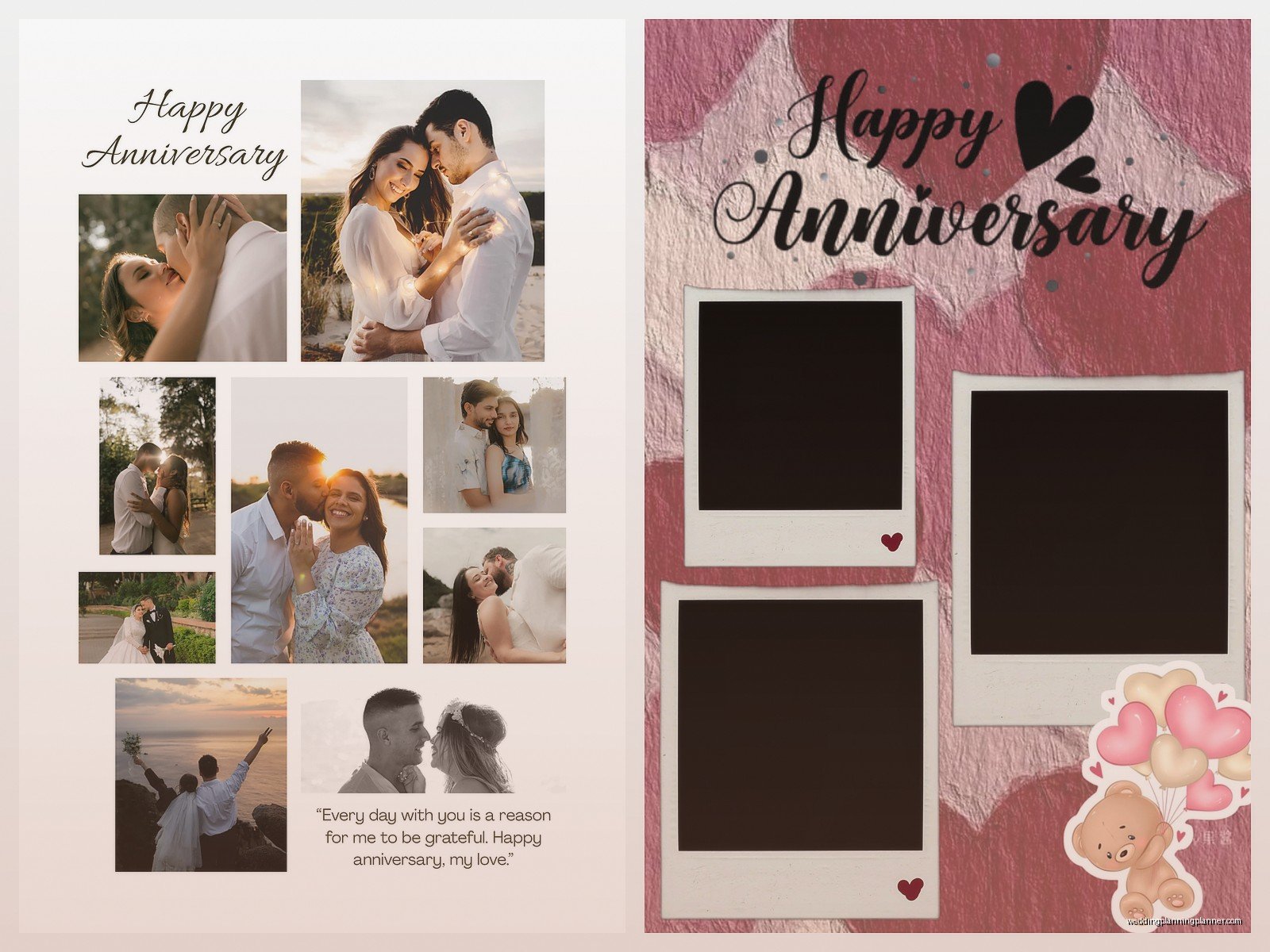
For parents or friends anniversaries you can be a bit more… I dunno, formal isn’t the right word but less intensely personal? “Congratulations on X years together” works. Mention something specific about their relationship if you can. “Thanks for always hosting amazing dinners” or “You two are proof that good relationships exist” or whatever fits.
Work anniversaries are their own category. Keep it professional but warm. “Congratulations on five years with the company” plus something about their contributions or what they bring to the team. Don’t get too personal here—no one wants their boss writing about their “journey” in weird metaphorical language.
Printing Tips That Actually Matter
Paper quality makes a bigger difference than you’d think. Regular printer paper looks cheap for anniversary stuff. Get cardstock—at least 80lb weight, preferably 110lb if you’re making cards. It costs maybe ten dollars for a pack and you’ll use it for other projects anyway.
Print settings matter too. Always select “best quality” or “high quality” in your printer dialog box. Yeah it uses more ink but the difference is noticeable. For photos make sure you’re printing in color mode even if it seems obvious—I’ve accidentally printed in grayscale before and had to redo everything.
If your design has elements that go to the edge (called “full bleed” in design terms) your home printer probably can’t print those without white borders. You’ll either need to trim the edges yourself with a paper cutter or take the file to a print shop. FedEx Office, Staples, local print shops—they all do this and it’s usually pretty cheap.
Test print first on regular paper. Seriously. Don’t waste your good cardstock finding out the margins are off or the colors look weird. Print one copy on cheap paper, check everything, then do your final print.
The Stuff That Usually Goes Wrong
Fonts not showing up correctly is probably the most common issue. You download a template, open it, and suddenly all the beautiful typography is replaced with Arial or Times New Roman because you don’t have those fonts installed. The fix is either downloading the fonts (if they’re free) or just picking different ones that you do have. Google Fonts has tons of free options that you can download and install pretty easily.
Image resolution problems happen when you try to print something that was designed for web use. It looks fine on your screen but prints blurry. If the template is 72 DPI it’s probably meant for digital use only. For printing you want at least 300 DPI. Check the file properties or just test print to see.
Color shifts between screen and print are inevitable to some degree but can be minimized. What looks like a nice navy blue on your screen might print almost black. Or that soft pink might come out hot magenta. This is just how screens vs ink work—they use different color systems. You can kinda predict this with experience but honestly test printing is the only real solution.
File compatibility issues come up especially with older templates or if you’re using different software than what the template was designed for. A template made in a newer version of Word might not open correctly in an older version. Or Canva templates obviously only work in Canva. Just something to keep in mind when you’re downloading.
Actually Free vs “Free”
Let me be real about this because it annoyed me so much when I first started looking for templates. “Free” often means free with conditions. You can use it for personal use but not commercial. Or it’s free but you have to credit the creator. Or it’s free to download but you need a paid account to remove watermarks.
Read the license agreement. I know that sounds boring and no one actually wants to do this but if you’re using a template for client work you need to make sure you’re allowed to. Some templates are explicitly for personal use only. Using them commercially could technically get you in legal trouble though realistically that rarely happens.
Truly free templates with no strings attached do exist. Creative Commons Zero (CC0) licensed stuff is completely free to use however you want. Sites like Pixabay and Unsplash have some templates under these licenses though they’re more known for photos.
My Actual Recommendations for Different Situations
If you need something quick and you’re not picky just go to Canva and use their free templates. Customize it in like ten minutes, download as PDF, done. This is what I do when time is tight.
For something more unique or if you want physical cards that look professional I’d suggest downloading a few different templates from different sources, taking elements you like from each, and combining them. Like use the layout from one, the color scheme from another, fonts from a third. This takes more time but the result looks more custom.
If you’re making anniversary materials for an event—like programs or signs or whatever—keep everything consistent. Download all your templates from the same source or at least make sure the style matches across everything. Nothing looks worse than having five different design styles for one event.
For work anniversaries or formal recognition stuff use Microsoft Office templates or Template.net. These tend to have more professional-looking options compared to the romantic flourish-filled designs on sites focused on couple anniversaries.
Some Sites I Actually Use Regularly
Greetings Island like I mentioned earlier is solid for printable cards. The interface is really simple which I appreciate when I’m in a hurry.
Canva obviously because it’s versatile and you can do so much with the free version. The learning curve is minimal.
FreePik has templates but you need to attribute the creator if you’re using free ones. They have a huge selection though.
Etsy has free templates sometimes—sounds weird because Etsy is usually paid but some sellers offer freebies. You gotta search specifically for “free anniversary template” and filter by price.
Pinterest isn’t a source itself but it’s great for finding templates because people pin stuff from all over. I’ve discovered smaller template sites through Pinterest that I never would’ve found otherwise.
Vecteezy for vector graphics if you’re gonna design something more custom or need elements to add to a basic template.
The Personalization Part That Makes It Not Look Downloaded
Here’s the thing about templates—they’re templates. Other people are using the exact same design. To make yours not look like everyone else’s you gotta add personal touches. Use your own photos obviously. Change the color scheme to something meaningful—like if you got married in fall use autumn colors even if the template defaulted to pink and red.
Add specific details. Instead of “Happy Anniversary” maybe “Happy 7th Anniversary” or “Seven Years of Adventures” or whatever actually fits your situation. The more specific you get the less template-y it looks.
Consider printing on interesting paper or adding physical elements. Print your template on kraft paper instead of white cardstock for a rustic feel. Or print it normally but attach it to a card with ribbon or washi tape or… I dunno, whatever craft supplies you have laying around.
Hand-write part of it. Even if you use a template for the design, write your actual message by hand inside. That automatically makes it more personal and less like something you threw together last minute even if you totally did throw it together last minute.
Summer 2021 I had a client who wanted anniversary party invitations but had basically no budget. We downloaded a free template, customized it with their photos and colors, but then she hand-stamped each envelope with a custom stamp she got made. Cost like fifteen dollars for the stamp but made the whole thing look way more expensive than it was. Just saying there are ways to elevate free templates without spending a ton.
Anyway I think that covers most of what you’d actually need to know about finding and using anniversary templates. The main thing is just don’t overthink it—a thoughtful template that you actually personalize beats an expensive custom design that’s generic any day
