
Planning Guides, Style Guide
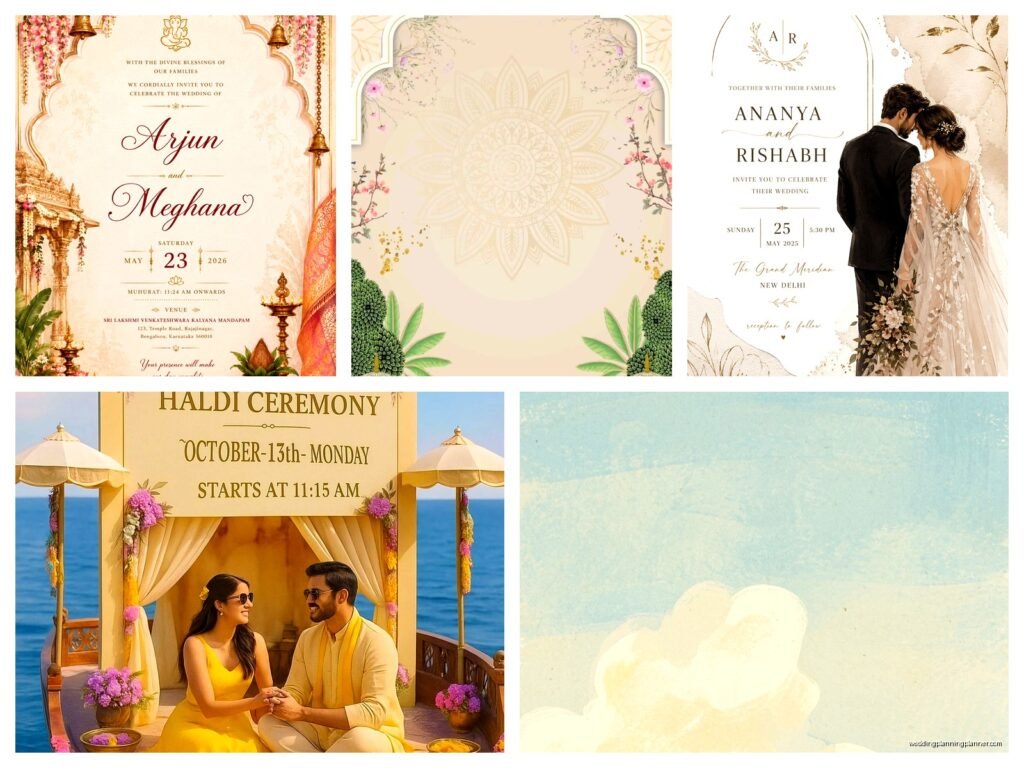
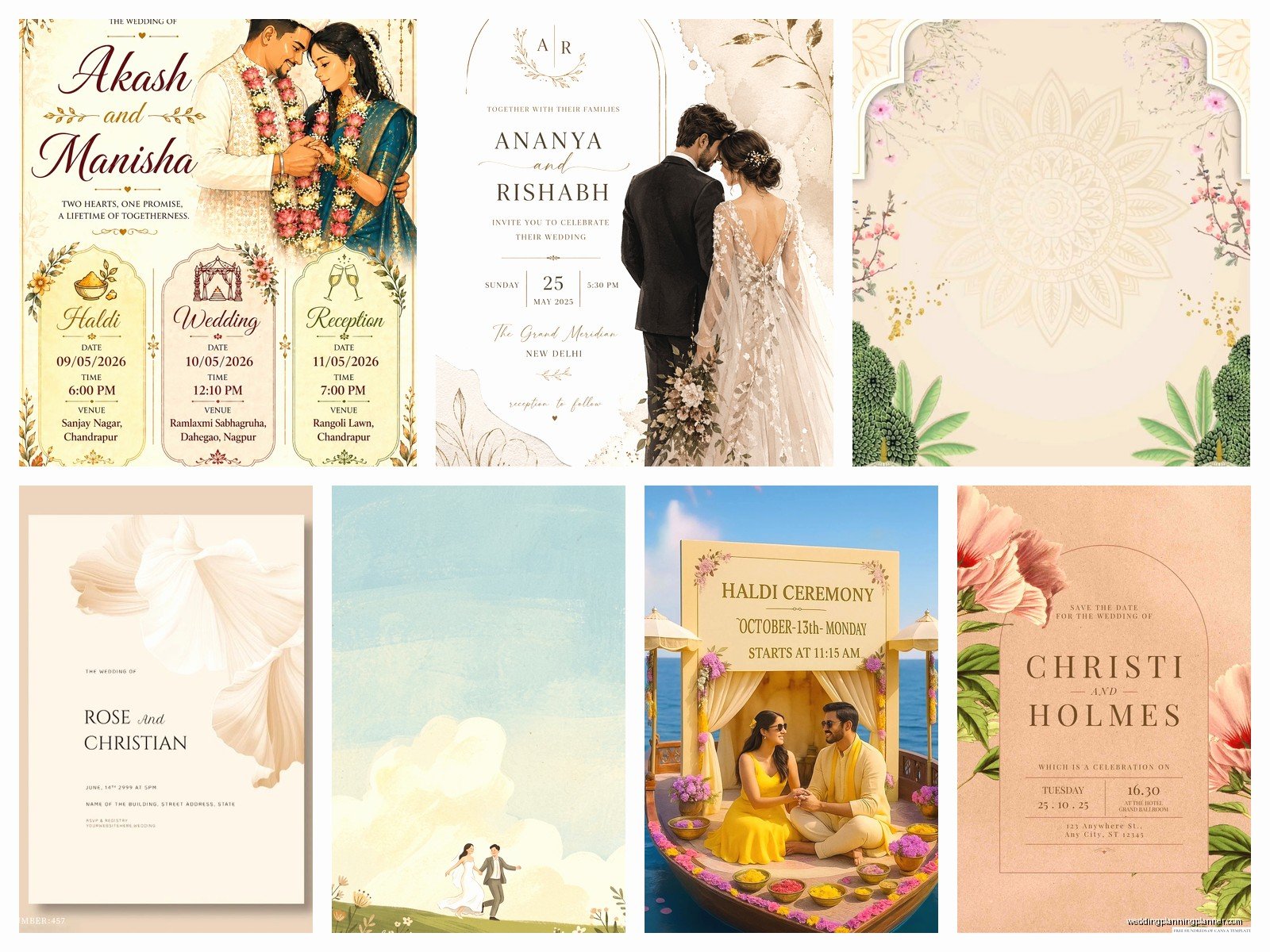
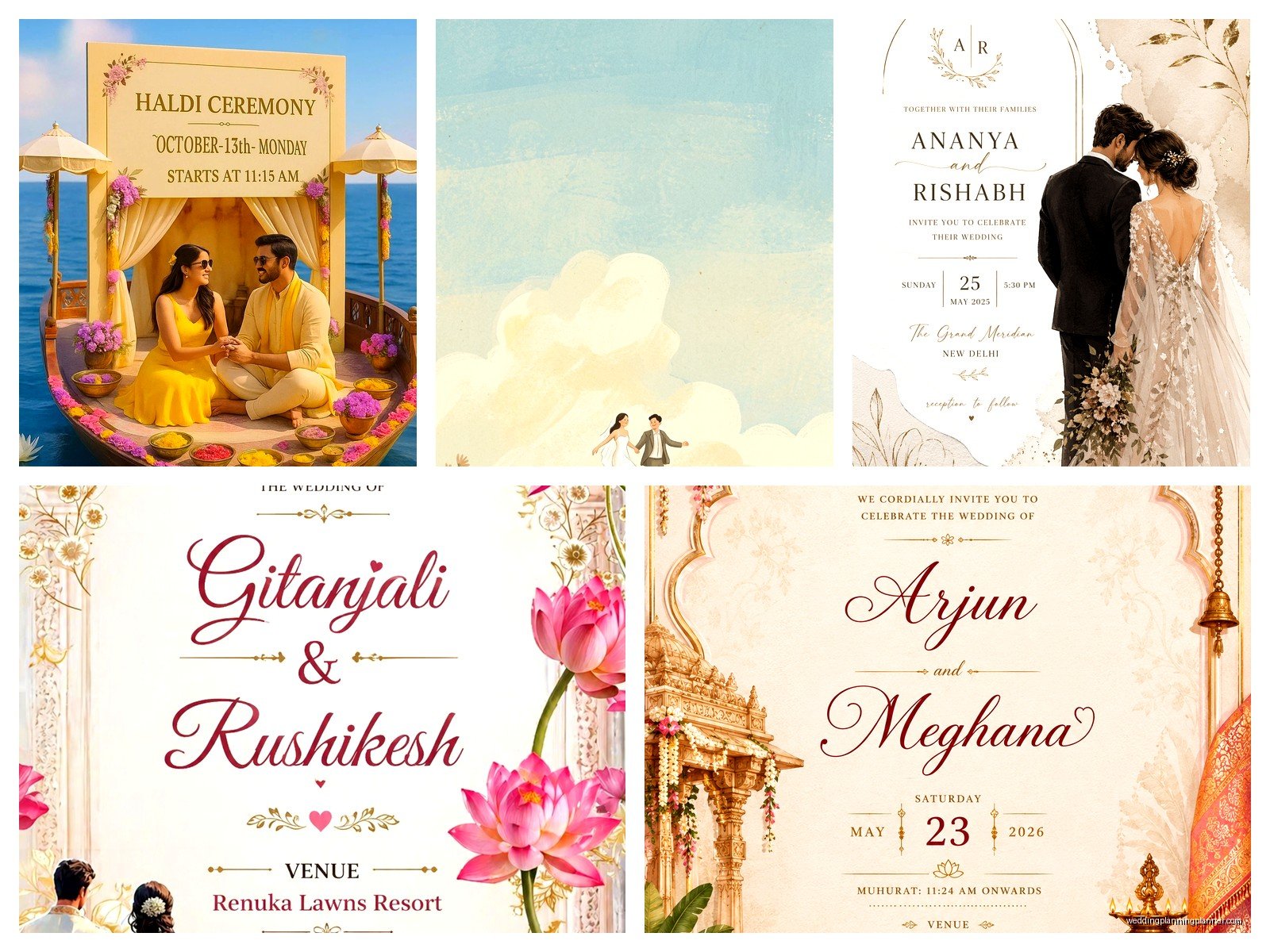
Wedding E-Card: Digital Electronic Invitation Designs
May
Getting Started with Wedding E-Cards Because Yeah They’re Actually Legit Now
So digital wedding invitations used to be this thing people did when they were having like super casual backyard BBQ weddings or destination elopements where nobody expected a formal invite anyway. But honestly? That changed completely around 2020-2021 and now they’re just… normal. I had this bride in spring 2023 who initially wanted traditional letterpress invites, spent hours picking paper weights and ink colors, then switched to e-cards two months before her wedding because half her guest list was international and she realized she’d been stressing about postage costs that would’ve been like $600. Smart move actually.
The first thing you gotta know is that wedding e-cards aren’t just like, an Evite with a white dress emoji. There are actual professional design platforms now that make stuff that looks as elegant as anything you’d get printed. I’m talking animated florals, video backgrounds, custom illustrations, the whole deal.
Platforms That Don’t Make Your Invite Look Like Spam
Greenvelope is probably my go-to recommendation because their designs actually look expensive even though you’re paying like $300-400 for unlimited sends instead of $3-5 per printed invite. They’ve got this thing where the envelope “opens” on screen and it’s kinda satisfying? Paperless Post is another solid option, they have both free and premium designs but honestly the free ones look free so I’d budget for their Flyer collection or Premium designs.
Withjoy is great if you want the invitation and wedding website integrated into one platform. Joy also does this really well and they’re free for basic features. For clients who want something more custom, I send them to Etsy designers who create Canva templates or Adobe files that you can then send through email or text.
One thing that drives me absolutely crazy though is when couples use those templates that have like 47 different fonts and rose gold glitter GIFs everywhere. Just because you CAN animate everything doesn’t mean you SHOULD. My cat walked across my keyboard once while I was reviewing a client’s e-card draft and honestly her paw-typos looked better than some of the font combinations I’ve seen people choose.
Design Elements That Actually Matter
You want your e-card to load fast. I’ve seen gorgeous designs that take 15 seconds to load on mobile and by then half your guests have clicked away. Keep file sizes reasonable – under 5MB ideally. This means being selective about animated elements and video clips.
The hierarchy of information should be: names, date, location, RSVP method. Everything else is secondary. I see couples burying the actual wedding date under three paragraphs of “our love story” and then they’re confused why people show up on the wrong day or… wait that sounds dramatic but you’d be surprised.
Color schemes need to work on both light mode and dark mode screens. Test your design on multiple devices before sending. That cream background that looks elegant on your laptop might be completely unreadable on your aunt’s phone with her brightness turned down.
The Technical Stuff Nobody Tells You
Email deliverability is a real issue with e-cards. If you’re sending to 150 people from your personal Gmail account, some of those are gonna hit spam folders. The professional platforms handle this better because they have established sender reputations, but if you’re doing a DIY route, you might need to send in smaller batches or use an email service like Mailchimp.
Always include a text-only version of the key details in the email body. Some email clients block images by default, and if your entire invitation is one big image file, recipients just see a blank email with a “download images” button they might not click.
Track your open rates if the platform allows it. This isn’t about being creepy, it’s about knowing who actually received and saw your invite versus whose email might be outdated or whose spam filter ate it.
What to Include in Your Digital Invite
The actual content isn’t that different from paper invites but you’ve got more flexibility with how you present it. You can link directly to your wedding website, your registry, your hotel blocks, directions – everything’s clickable which is honestly so much more practical than expecting guests to type in a URL from a printed card.
Include a clear RSVP deadline and make the RSVP button or link super obvious. I’ve worked with couples who embedded their RSVP link in decorative text and then wondered why they had a 40% response rate. Make it a button. Make it a different color. Put it at the top AND the bottom if you’re doing a longer scrolling design.
Timing for Sending Digital Invites
The traditional timeline is 6-8 weeks before the wedding for formal invites, but with digital you can honestly send them a bit later if needed. I usually recommend 8-10 weeks still, just to give people time to make arrangements, but you’re not dealing with printing timelines or mail delays so there’s more flexibility.
Send save-the-dates 6-8 months out (or more for destination weddings). These can definitely be digital too and they’re usually simpler designs anyway.
One couple I worked with sent their e-cards exactly 6 weeks out on a Tuesday morning at 10am. They’d researched email engagement rates like they were launching a product or something. Did it make a difference? Probably not, but they got a 95% RSVP rate so maybe they were onto something.
The RSVP Collection Process
Most e-card platforms have built-in RSVP tracking which is genuinely life-changing compared to waiting for reply cards in the mail. You can see in real-time who’s coming, who’s bringing a plus-one, who has dietary restrictions – all in a spreadsheet you can actually read.
Set up automatic reminders for people who haven’t responded. Most platforms let you do this without manually tracking everyone down. I still recommend a personal text or call for close family and friends who haven’t responded by your deadline though, because sometimes people just… forget? Or they meant to do it later and then didn’t.
Cost Breakdown Because That’s Probably Why You’re Here
Greenvelope runs about $299-399 for their basic package with unlimited sends. Paperless Post charges per “coin” which is their weird currency system – budget around $150-400 depending on design and guest count. Withjoy and Joy are free for basic invites but you’ll probably want some premium features.
Custom designs from Etsy designers range from $25 for a template you customize yourself to $200+ for fully custom illustration work. If you’re hiring a designer to create something from scratch, expect $300-800 depending on complexity.
Compare this to printed invites which typically run $3-8 per invite (so $300-800 for 100 guests) PLUS postage which is currently 68 cents for a regular letter but your assembled invitation is probably 2-3oz so you’re looking at $1.16-1.56 in postage per invite. Then add save-the-dates, RSVP card postage, detail cards… you’re easily spending $800-1500 for printed suites.
When Digital Actually Makes the Most Sense
International guests are the obvious one. I had a client with guests in seven different countries and the postage alone would’ve been insane. Plus delivery times were unreliable – some countries were taking 6-8 weeks for regular mail.
Short planning timelines. If you’re planning a wedding in 3-4 months, you don’t have time for the traditional printing timeline. Digital gets your invites out in days instead of weeks.
Eco-conscious couples. Yeah this is a real consideration for some people and that’s valid. No paper waste, no printing chemicals, no transportation emissions.
Budget allocation. If you’re choosing between nice digital invites and spending that $800 on literally anything else for your wedding, the digital route might make more sense. Nobody’s gonna remember your invitations anyway – sorry but it’s true.
The Hybrid Approach That’s Actually Pretty Smart
Some couples do digital for the majority of guests and printed for like, grandparents or older relatives who might not be comfortable with digital. This is totally valid and honestly thoughtful. You can usually get small quantity printing done affordably if you’re only doing 10-20 invites.
Another hybrid option is sending a simple printed announcement or save-the-date but doing the actual invitation digitally. This gives people something physical to put on their fridge but saves money on the more expensive formal invite printing.
What About Etiquette and All That
Okay so traditionally, digital invitations were considered less formal than printed. But that’s changed SO much in the past few years. I’ve planned black-tie weddings at country clubs that used digital invites and nobody clutched their pearls about it.
That said, know your audience. If you’re having a very traditional wedding and your family is very traditional, you might get some comments. Whether you care about those comments is up to you.
The wording on digital invites follows the same etiquette rules as printed – formal vs casual language, how to list parents’ names if they’re hosting, all that stuff still applies. The format might be different but the content expectations are basically the same.
Common Mistakes I See People Make
Sending test versions to themselves only. Send it to at least 3-4 people with different email providers (Gmail, Outlook, Yahoo, etc) and different devices to see how it actually renders.
Not having a backup plan for elderly guests or people without email. At minimum, have someone (maybe your mom or MOH) who can call these guests with the details or help them access the digital invite.
Making the design so complicated that the file size is huge or it doesn’t work on mobile. Most people will open your invite on their phone first – design for mobile and then check desktop, not the other way around.
Forgetting to include a wedding website link or registry information. Since you’ve got the digital real estate and everything’s clickable, use it. Don’t make people hunt for information.
Not following up with people who don’t open the email. The platform will show you who hasn’t opened it – reach out to them through text or social media to make sure they got it.
Design Trends That Don’t Look Dated Immediately
I’m gonna be honest, some of the super trendy animated designs from 2021 with the pampas grass and terracotta colors already look dated. If you want your e-card to have some staying power (like if people screenshot it or save it), go for something more classic.
Clean typography with one or two accent fonts max. A simple animation like a fade-in or subtle movement. A color palette that’s not screaming “this is from 2024” – think navy and sage, black and white with gold accents, dusty blue and mauve. These combinations have been around forever and they’ll still look good in photos years later.
Video backgrounds can be gorgeous but keep them subtle – think gentle bokeh lights or soft fabric movement, not like, drone footage of your engagement shoot set to Ed Sheeran or whatever.
Accessibility Stuff You Should Consider
Make sure there’s enough contrast between text and background colors. Those pale pink letters on cream backgrounds might look dreamy but they’re impossible to read for people with vision issues.
Include alt text for images if you’re sending HTML emails. Screen readers need this to describe images to visually impaired recipients.
Keep your font sizes readable – nothing smaller than 14pt for body text. I know you want to fit everything elegantly but if people need to zoom in to read your invite, you’ve made it too small.
If you’re including audio or video elements, provide captions or transcripts. Not everyone can or wants to play sound.
The thing is, these accessibility considerations also just make your invite better for everyone. High contrast is easier to read in bright sunlight. Larger fonts are easier on everyone’s eyes. Captions help when people are scrolling through email in a quiet office. It’s all good design practice anyway.
I’m realizing I haven’t even talked about like, wedding website integration which is kind of a whole separate thing but basically – your e-card should link to a website with more details. That’s where you put the full schedule, travel info, dress code details, all the stuff that would’ve been on insert cards with printed invites. The e-card itself should be clean and essential info only, then drive people to the website for everything else. Makes the design cleaner and gives you flexibility to update information without resending invites.
