
Planning Guides, Style Guide
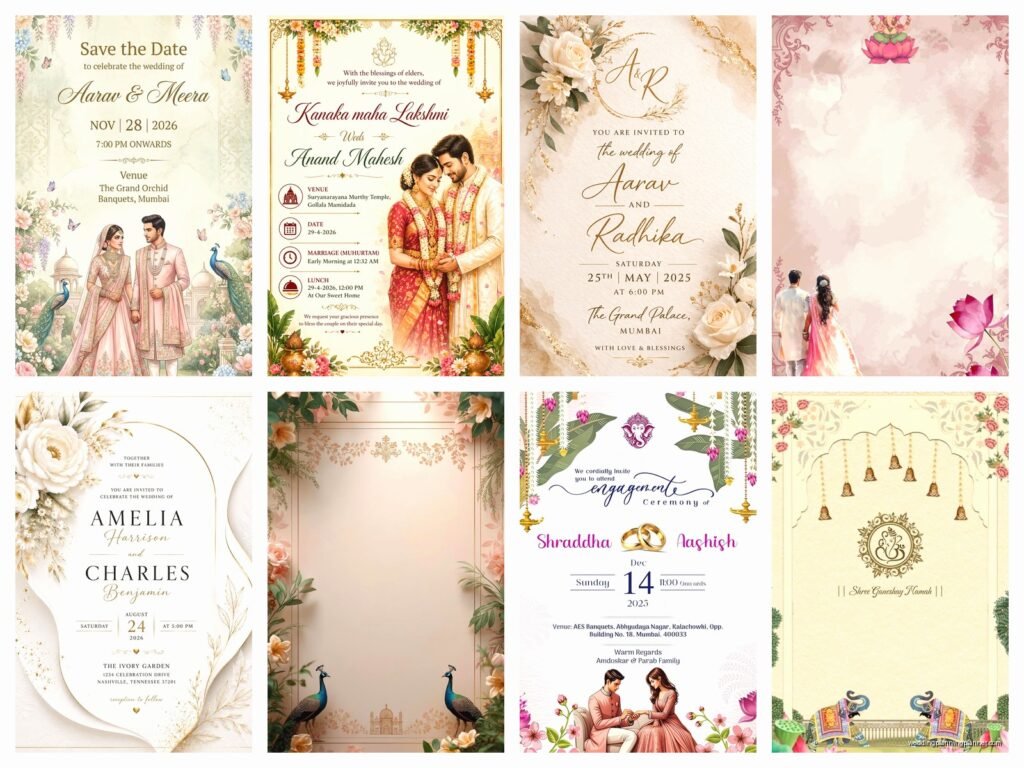
Digital Marriage Invitation Card: E-Invite Designs
Jun
Digital Marriage Invitation Cards Are Actually So Much Easier Than You Think
Okay so digital invites have completely changed how I work with couples and honestly back in summer 2021 I had this bride who was SO stressed about printing delays (pandemic shipping nightmares, remember?) and we switched to e-invites like three weeks before her wedding and it saved everything. Digital marriage invitation cards aren’t just the “cheap option” anymore—they’re actually kinda the smart option for a lot of reasons.
First thing you gotta know is that e-invites come in basically three categories: the DIY platforms where you design it yourself, the semi-custom templates you can tweak, and fully custom designs from actual designers. I usually tell people to figure out their budget first because that determines everything else.
The Main Platforms You Should Know About
Greenvelope is my go-to recommendation for couples who want something that looks really high-end. Their designs don’t look “digital” if that makes sense—they look like actual stationery that happens to be on a screen. You can customize colors, fonts, wording, everything. They track RSVPs automatically which is HUGE because you won’t believe how many guests just…forget to respond otherwise. It costs around $300-400 for 100 guests depending on the design you pick.
Paperless Post is the one everyone knows. They have this coin system that’s honestly annoying because you have to do math to figure out what you’re actually spending, but they have gorgeous designs. Some are free, some cost coins, and the premium ones (which look like actual foil or letterpress) cost more coins. I had a couple spend like $200 total for their whole suite—save the dates, invitations, and day-of details.
Evite gets a bad rap because people associate it with like…birthday parties? But their premium wedding section is actually really nice now. Way more affordable than the other options, sometimes completely free for basic designs.
Canva is where you go if you wanna design something yourself. They have templates you can customize and then you can send the PDF or image however you want—email, WhatsApp, text, whatever. This is the cheapest option but requires the most work on your end for tracking RSVPs and stuff.
Design Elements That Actually Matter
The thing about digital invites is they can do stuff paper can’t do, right? Like animation, video backgrounds, music…but here’s what I learned: just because you CAN doesn’t mean you SHOULD. I worked with this couple in spring 2023 who wanted their invitation to play their song when you opened it and have like floating hearts and it was just…too much. The file was so big half their guests couldn’t even open it on their phones.
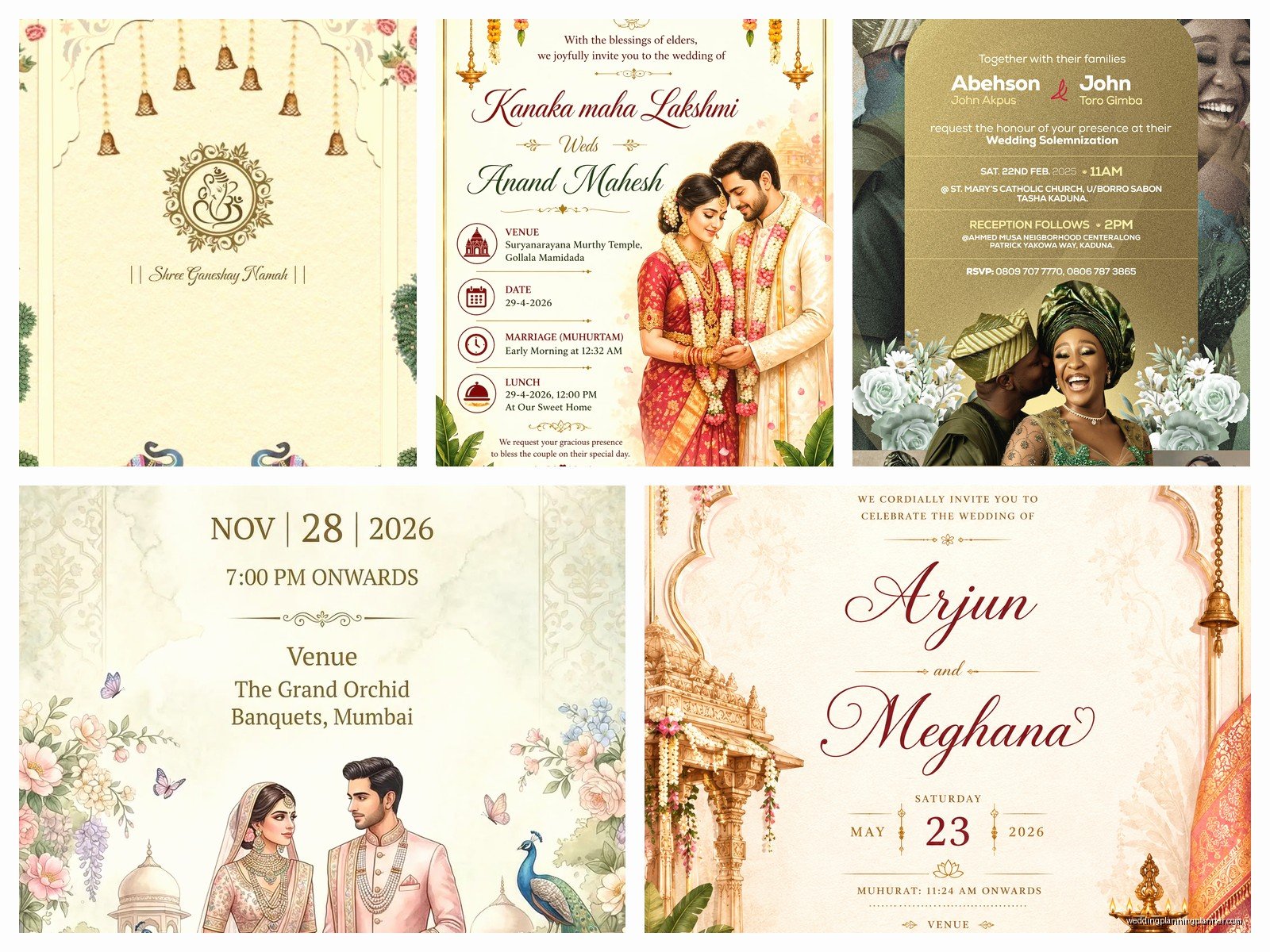
Keep animations subtle. A little fade-in effect? Nice. Your names appearing in sparkly cursive while doves fly across the screen? Nah.
What actually looks good:
- Clean typography with maybe one fancy font for names, one readable font for details
- Your color palette from the wedding (2-3 colors max)
- One really good photo of you two, not like a whole gallery
- Simple navigation if it’s a multi-page invite
- Mobile-responsive design because literally everyone will look at it on their phone first
What Information Goes Where
Digital invites can hold SO much information which is both good and bad. You can include everything—venue details, accommodation links, registry info, schedule—but you don’t want people scrolling forever to find the actual ceremony time.
Here’s the structure I always recommend:
First page/section: Your names, the date, the location (city at minimum), and a clear RSVP button. That’s it. People should see this immediately when they open it.
Second section: Full venue details with address, exact timing for ceremony and reception, dress code. Include a map link that actually works—I cannot tell you how many times I’ve seen couples link to the wrong location or use a dead link.
Third section: Additional details like parking info, accommodation blocks (with booking links and discount codes), wedding website link if you have one.
Optional sections: Your story, wedding party info, registry links, FAQ section. These are nice to have but not essential. My cat knocked over my coffee while I was writing this and now I’m realizing I should probably mention—don’t put registry info on the main invitation page itself, it feels kinda gift-grabby even though everyone knows you have a registry.
The RSVP Function Is Where It Gets Good
This is honestly the best part of digital invites. Most platforms let guests RSVP right there in the invitation with dropdown menus for meal choices, plus-ones, dietary restrictions, song requests, whatever you wanna ask.
Set up your RSVP form to collect:
- Full names of everyone attending (not just “The Smiths” because you need actual names for seating charts)
- Meal selections if you’re doing plated dinner
- Dietary restrictions with a text box so people can explain
- Email addresses so you can send updates
You can see in real-time who’s responded, send automatic reminders to people who haven’t, and export everything to a spreadsheet. Compared to waiting for physical RSVP cards to come back in the mail (if they come back at all)…it’s just so much easier.
Timing and Sending Strategy
Send save-the-dates 6-8 months before the wedding, invitations 8-10 weeks before. Same timeline as paper invites basically. But here’s what’s different—you can schedule your e-invites to send at a specific time. I always tell couples to send them on a Sunday morning around 10am because people are relaxed, checking their phones, and more likely to actually open it and respond right away.
Don’t send on Friday nights (people are busy), don’t send on Monday mornings (people are overwhelmed with work emails), and definitely don’t send at like 2am even if you’re gonna be awake because your guest list is international…schedule it for a reasonable time in your timezone.
The Annoying Parts Nobody Tells You About
Okay so one thing that really bugs me is when couples don’t consider that not everyone is tech-savvy. Your grandma might not know how to open a digital invitation or navigate it. I always recommend having a few paper invitations printed for older relatives or anyone who you know struggles with technology. Just like 5-10 copies, not expensive.
Also, e-invites can go to spam. This is SO frustrating. Even with the fancy platforms, sometimes email providers just decide it’s spam. Tell your guests to check their spam folders and add you to their contacts. Send a quick text or WhatsApp message when you send the invite like “hey, just sent your wedding invitation to your email, let me know if you don’t see it!”
Making It Feel Special and Not Like a Mass Email
The thing people worry about with digital invites is that they’ll feel impersonal or… I guess cheap? But there are ways to make them feel really special and intentional.
Personalization features: Most platforms let you customize each invite with guest names. Instead of “Dear Guest” it says “Dear Sarah and Mike” which feels more personal. Worth the extra 20 minutes to set up.
Consider a video element but keep it SHORT. Like 15-30 seconds max. You two saying “we’re getting married, please celebrate with us” or a quick montage of photos. Anything longer and people won’t watch it.
Use high-quality photos. Just because it’s digital doesn’t mean you should use grainy iPhone pics. Get professional engagement photos or at least use well-lit, high-resolution images.
Design Styles That Work Well Digitally
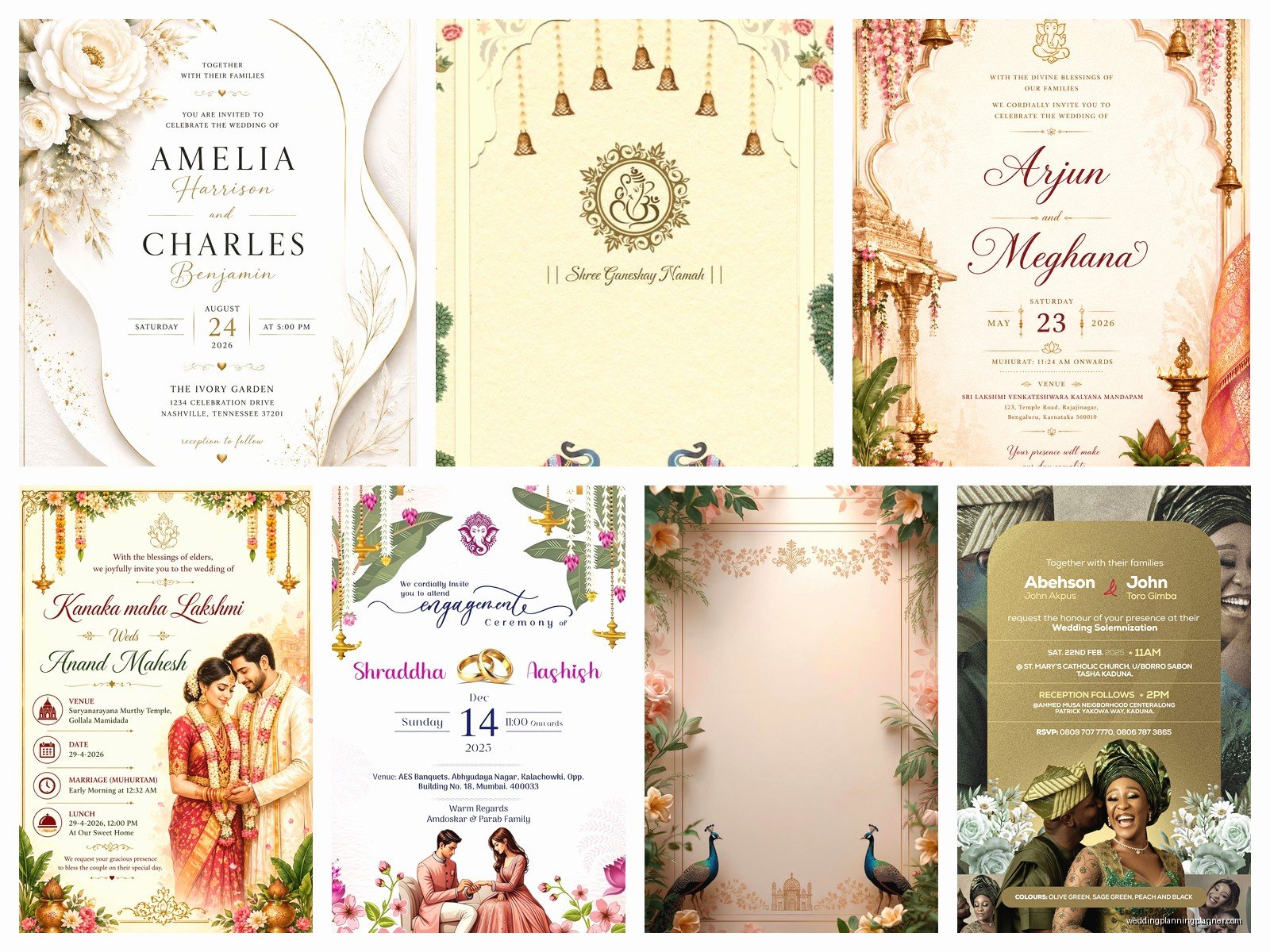
Some design aesthetics translate better to screens than others. Minimalist designs with lots of white space look really clean on phones. Botanical/floral designs work great because you can have like detailed illustrations that people can zoom in on. Vintage designs can work but be careful with the colors—some vintage color palettes look muddy on screens.
What doesn’t work as well: Designs that rely heavily on texture (like letterpress effects kind of get lost), super intricate borders that are too small to see on phones, designs with text over busy backgrounds that make it hard to read.
Color Considerations for Screens
Colors look different on screens than on paper, which is something I learned the hard way. That beautiful dusty rose you picked might look hot pink on some screens, brown on others. Stick with colors that are fairly saturated and avoid colors that are too similar in tone because they’ll blend together.
Test your design on multiple devices before sending. Look at it on your phone, your laptop, maybe an iPad. Ask a friend to open it on their phone. Colors, fonts, and layouts can all look different depending on the device and screen settings.
Accessibility Stuff You Should Think About
Make sure your text has enough contrast against the background. There are online contrast checkers you can use. If your text is hard to read, people will just skim it and miss important details.
Keep font sizes readable—nothing smaller than 14pt for body text. I know you want to fit everything on one screen but if people have to squint or pinch-zoom, they’re gonna be annoyed.
Include alt text for images if the platform allows it. This helps people using screen readers.
Multi-Event Invitations
If you’re having multiple events—like a welcome dinner, ceremony, reception, next-day brunch—digital invites are perfect because you can create different pages or sections for each event. You can also send different versions to different guest groups. People invited to everything get the full invitation, people only invited to the reception get a simplified version.
Most platforms let you create guest groups so you can manage this easily. Just be really careful with your guest lists because you don’t wanna accidentally send the “reception only” invite to someone who should get the full invitation or vice versa.
Integration With Wedding Websites
Your e-invite should link to your wedding website where you can put ALL the details—full schedule, travel info, local recommendations, photos, whatever. The invitation itself should have just the essential info and then direct people to the website for more.
Make sure the link works and goes to the right page. I’ve seen couples link to their website homepage when they meant to link to the Travel page and then everyone’s confused about hotels.
Following Up and Updates
One huge advantage of digital invites is you can send updates easily. Weather change? Venue modification? You can email everyone through the same platform. Just don’t abuse this—you shouldn’t be sending weekly updates about random stuff or people will start ignoring your emails.
Send reminders about RSVP deadlines (like 2 weeks before the deadline, then 3 days before). Most platforms do this automatically which is clutch because I forget everything when I’m busy.
Combining Digital and Physical Elements
Some couples do both—send the main invitation digitally but also mail a small printed card as a keepsake. Or do digital save-the-dates but physical invitations. There’s no rule that says you have to pick one or the other for everything. Just make sure the information matches across both formats which sounds obvious but I’ve seen mismatches happen and it confuses everyone.
You could also do digital invitations but create a beautiful printed program for the ceremony day, or printed menus for the reception. Mix and match based on what makes sense for your budget and your style or…whatever feels right I guess.
Cost Breakdown Reality Check
Let’s talk actual numbers because this is what everyone wants to know anyway:
- Free options (Evite basic, Canva DIY): $0 but you’re doing all the work
- Mid-range platforms (Paperless Post, Greenvelope): $200-500 for 100-150 guests
- Custom designer e-invites: $300-800 depending on complexity
- Hybrid approach (digital invite + small batch of printed): $400-700 total
Compare that to traditional printing which is usually $500-1500 minimum for invitations alone, plus postage both ways for RSVP cards, and the time savings…digital makes a lot of sense for many couples.
