
Planning Guides, Style Guide
Invitation Card Digital: Design & Ordering Guide
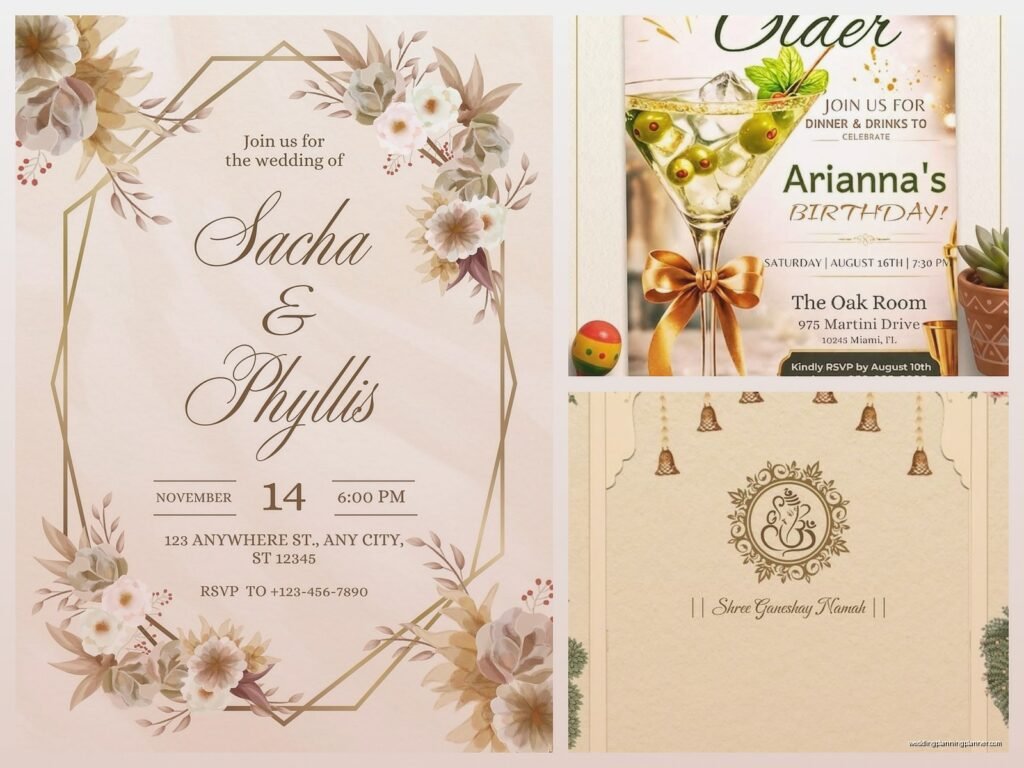
Jun
Okay so digital invitation cards are basically where everything’s at now
Look, I’m gonna be honest with you – back in spring 2023 I had this bride who insisted she wanted “digital but like, fancy” and I was pulling my hair out because she kept sending me Pinterest screenshots of printed letterpress invites asking if we could make them “look exactly like this but email.” That’s… not really how it works, but also kinda is? Let me explain.
Digital invitation cards are either PDFs you send via email, interactive web pages, or those fancy e-vites through platforms like Paperless Post or Greenvelope. The biggest thing everyone gets wrong is thinking digital = cheap and easy. Sometimes yes, but if you want something custom and gorgeous, you’re still gonna pay a designer and spend time on revisions just like you would with printed invites.
First figure out what KIND of digital invite you actually want
There’s like four main categories and they’re all different beasts:
- Static PDF invites – basically a designed image saved as PDF that people can view on their phone or computer
- Animated/video invites – these move, have music, transitions, the whole thing
- Interactive web invites – actual mini websites with RSVP forms built in, maps, accommodation info
- Platform-based e-vites – using services like Paperless Post, Greenvelope, Evite, or Minted
I usually push clients toward either platform-based or interactive web invites because they track RSVPs automatically and honestly that alone is worth it. Chasing down RSVPs is the worst part of wedding planning and I will die on that hill.
Static PDF route (the simplest but also kinda limited)
If you just want something pretty to email or text to people, a PDF works fine. You hire a designer on Etsy or Fiverr or wherever, they make you a beautiful 5×7 or 4×6 digital file, and you send it. Done.
The problem is people don’t always open attachments? Like my own mother ignores email attachments half the time and she’s not even that old. So you gotta embed it in the email body too or link to it from Google Drive or Dropbox.
For ordering/creating these, honestly Etsy is your best friend. Search “custom digital wedding invitation” and you’ll find thousands of designers. Prices range from like $15 for a template you customize yourself using Canva or Templett, up to $300+ for fully custom illustration work.
What annoys me SO MUCH about PDF invites though is when people don’t optimize them for mobile viewing. I cannot tell you how many times I’ve received a PDF invite that looks stunning on desktop but is completely unreadable on my iPhone without zooming in and scrolling around like I’m trying to find Waldo. Make sure your designer creates it at a size that’s mobile-friendly, or at least test it before you send to 150 people.
Going the platform route (Paperless Post, Greenvelope, etc.)
This is what I recommend to like 80% of my clients who want digital. These platforms have templates, they handle all the tech stuff, they track opens and RSVPs, they send reminders. It’s honestly pretty great.
Paperless Post is probably the most well-known. They have free options but the nice designs cost “coins” which is their weird currency system. You buy coins, spend them on designs and “envelope liners” and… it’s a whole thing. Expect to spend anywhere from $30-$150 depending on your guest count and how fancy you go. They have really beautiful options though, including designs from actual stationery brands like Kate Spade and Rifle Paper Co.
Greenvelope is similar but specifically markets itself as the eco-friendly option. Their designs tend to be a bit more elegant and less cutesy than Paperless Post. Pricing is per event – you pay like $99-$200 for unlimited sends, which is actually better value if you have a big guest list.
Minted also does digital now and their designs are gorgeous because they work with independent artists. But honestly their platform isn’t as robust for tracking and managing RSVPs in my experience.
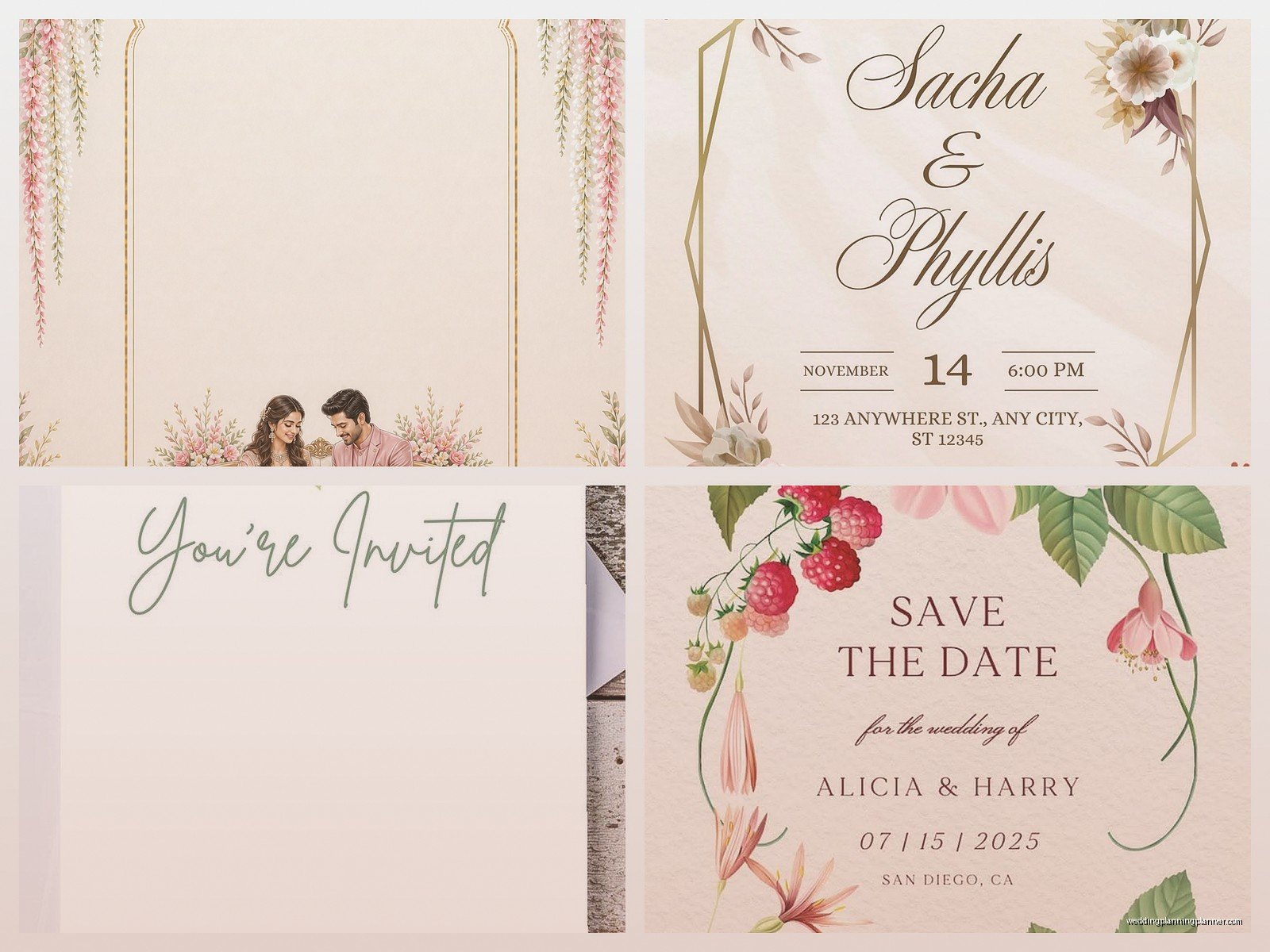
The thing with platforms is you’re somewhat locked into their templates. You can usually customize colors and wording, but you can’t completely redesign the layout or add your own graphics beyond maybe a photo. If you want something truly unique, you’ll need to go custom.
Custom interactive web invites (this is where it gets fun)
Okay so this is my favorite option for clients with bigger budgets or anyone who’s even slightly tech-savvy. You basically create a mini wedding website that IS the invitation. People click a link, see this beautiful page with all your details, and can RSVP right there.
Platforms like Withjoy, Zola, The Knot, and Minted all offer free wedding websites with invitation capabilities built in. The websites are free, you just pay if you want to remove their branding or unlock premium designs.
But if you want something really custom, you hire a web designer or use a platform like Squarespace or Wix. I had a couple last year who built their entire invite on Squarespace using a template and it was stunning – had their engagement photos, a timeline, a map, everything. Cost them like $200 total for the year subscription plus the template.
For ordering/setting this up: if you’re doing it yourself, budget at least 10-15 hours to get it looking good and test all the forms. If you’re hiring someone, expect $300-$1500 depending on complexity. I know that’s a huge range but like, it really depends if you want basic customization or full custom code.
Animated or video invitations (proceed with caution honestly)
These can be really cool or really cheesy, there’s like no in-between. I’m talking about those videos with your photos flying in, text animations, music in the background.
You can make these yourself using Canva Pro (they have video templates now), Adobe Spark, or even apps like Animoto. Or hire someone on Fiverr or Upwork – usually $50-$300 depending on length and customization.
The problem is file size. Videos are big, and emailing large files is annoying for everyone. You’ll need to upload it to YouTube or Vimeo and send the link, which kinda takes away from the intimacy? Also my cat jumped on my keyboard and I accidentally sent a half-finished video invite to a client once, so umm, be careful with your drafts.
Also not everyone is gonna watch a 2-minute invitation video, I’m just saying. Keep it under 30 seconds if you go this route.
The actual design process regardless of which route you pick
Whether you’re doing it yourself or hiring someone, you need to nail down these details first:
- Your color palette (pick 2-3 colors max, seriously)
- Fonts that match your vibe (script for formal, sans-serif for modern, etc.)
- Any photos you want to include
- Your exact wording – who’s hosting, how formal the language is
- All the actual information: date, time, venue name and address, dress code, RSVP deadline, wedding website if you have one
I always tell clients to write out all the wording in a Google Doc first and have like three people proofread it because typos in invitations are FOREVER. Well, digital you can fix, but still embarrassing if you send it to 100 people before catching it.
Design tips from someone who’s seen a lot of ugly invites
Don’t use more than two fonts. Three maximum if one is just for a small detail. Any more and it looks like a ransom note.
White space is your friend. I see so many people trying to cram every detail onto one screen and it’s overwhelming. If you have a lot of info, make it multiple pages/slides or use a website format instead.
Make sure there’s enough contrast for readability. Light gray text on white background might look ~aesthetic~ but your grandmother can’t read it. Actually nobody can read it comfortably, but we blame grandma anyway.
If you’re including photos, make sure they’re high resolution. Blurry engagement photos on an invite are just sad.
The ordering/sending process
Okay so “ordering” digital invites isn’t really ordering, it’s more like… purchasing or commissioning? But here’s the timeline I recommend:
6-8 weeks before you want to send: Start designing or hire your designer. If you’re using a platform, browse templates and create your account.
4 weeks before: Have your final design ready and proofread. Send a test to yourself and like five other people on different devices – iPhone, Android, desktop, tablet. Make sure it looks good everywhere.
2 weeks before: Finalize your guest list with correct email addresses. This is so important because if you have typos in email addresses, those invites just… disappear into the void. I’ve had clients lose like 20 invites this way.
Send time: Send on a Tuesday or Wednesday morning if possible. People actually check email then, unlike Friday afternoons or weekends when it gets buried.
For save-the-dates, send 6-8 months before the wedding (or 8-12 months if it’s destination). For actual invitations, send 8-10 weeks before for local weddings, 12 weeks for destination.
Following up because people are terrible at responding
Even with digital invites that have RSVP buttons right there, people won’t respond. It’s wild. Plan to send at least one reminder 2-3 weeks after the initial send, and another reminder a week before your RSVP deadline.
Most platforms have automatic reminder features which is honestly a lifesaver. Use them.
You’ll still have to text or call like 15% of your guests personally because they just… won’t respond to anything digital. It’s fine. This is just how weddings work apparently.
Costs breakdown so you know what to expect
DIY using free platforms: $0-$50 (might pay for premium features)
Template customization on Etsy/Canva: $15-$100
Platform-based (Paperless Post, Greenvelope): $30-$200 depending on guest count
Semi-custom design from Etsy/Fiverr designer: $100-$300
Fully custom design from professional designer: $300-$800+
Custom website/interactive invite: $200-$1500
Video/animated invite: $50-$500
The nice thing about digital is you’re saving on printing and postage, which for 150 invites would be like $200-$400 minimum. So even if you spend $300 on a custom digital design, you’re still coming out ahead financially compared to traditional printed invites.
Random technical stuff you should know
If you’re sending PDFs via email, keep the file size under 2MB or some email servers will reject it. You can compress PDFs using free tools like Smallpdf or Adobe’s online compressor.
For web-based invites, test the RSVP form extensively. Like, actually fill it out yourself multiple times. I had a situation where a client’s form wasn’t collecting meal choices properly and we didn’t realize until after 50 people had responded and we had to contact everyone again. Not fun.
Make sure any links you include actually work. Click every single one. I once sent invites with a broken Google Maps link to the venue and people ended up at a random park 10 miles away because they googled the venue name and Google gave them the wrong location… actually that was partially Google’s fault but still, test your links.
If you’re including registry information, most etiquette experts say to put that on your wedding website rather than directly on the invitation. But honestly for digital invites the rules are more relaxed? I’ve seen it done both ways and nobody seems to care anymore.
Accessibility things people forget about
Make sure your invite is readable for people with visual impairments. This means good color contrast, alt text on images if it’s a web invite, and… okay I’ll be honest, most people don’t think about this at all, but you should.
If you have older guests who aren’t comfortable with digital stuff, you might need to print a few physical copies anyway. I usually recommend having like 10-15 printed invites on hand for grandparents and anyone else who specifically requests it.
Things that can go wrong (so you can avoid them)
Emails going to spam – this happens A LOT. Tell people to check spam folders, or use a platform like Greenvelope that has better email deliverability.
People forwarding your invite to random people – if you’re having an intimate wedding, you might want to password-protect RSVPs or use a platform that limits access somehow.
Technology failures on your wedding website – make sure you’re using a reliable platform and that you’ve paid for hosting through your wedding date plus a few months after.
Design looking different on different devices – always test on multiple screens before sending.
Forgetting to update information – if your ceremony time changes or something, you can update digital invites but you need to send a notification to everyone. Don’t just change it and assume people will check again, because they won’t.
I think the biggest thing is just… don’t overthink it? Digital invites are supposed to make your life easier, not more stressful. Pick a method that fits your budget and technical comfort level, make it pretty enough that you’re happy with it, and send the thing. People are gonna be excited about your wedding regardless of whether your invitation has custom illustrations or is a simple template from The Knot. The point is getting the information to them in a clear, timely way, and digital does that really well when you set it up right.
